
Schedule Headers With No Customization
The following two screenshots show the appearance of the color and printer-friendly schedules
without any customization. A standard schedule page header contains the event's name, sport and season


Schedule Headers With Added Text Line
Sports organizations often have a hotline phone number which a player or coach can call to hear a
recorded message about field conditions. Organizations also sometimes have mottos that they would
like to have prominently displayed. The "Text" field of the Schedule Header Customization section
allows up to 100 characters to be displayed at the top of the both the color and the black & white
printer-friendly versions of the schedules. For example, if the text "Rainout info: 214-450-3079"
is entered in the Text field, the schedule headers will look as follows:


Schedule Headers With Added Graphics
In addition to the line of text, the schedule headers can be customized by adding a graphic at the top.
The Schedule Header Customization section has a drop-down box that allows selection of one of several
standard graphics. The "My Logo" selection uses the organization's logo that appears in the dark blue
section at the top of all colored pages. With the exception of "My Logo", any graphic selected will appear
at the top of both the colored and printer-friendly black & white schedules. The "My Logo" graphic will
only appear on the printer-friendly schedule. The following table shows the various graphics that can be
added to the schedule header.


Image resized to 500 x 208
Original size: 900 x 375

Image resized to 500 x 667
Original size: 900 x 1200

Image resized to 500 x 667
Original size: 900 x 1200

Image resized to 500 x 667
Original size: 600 x 800
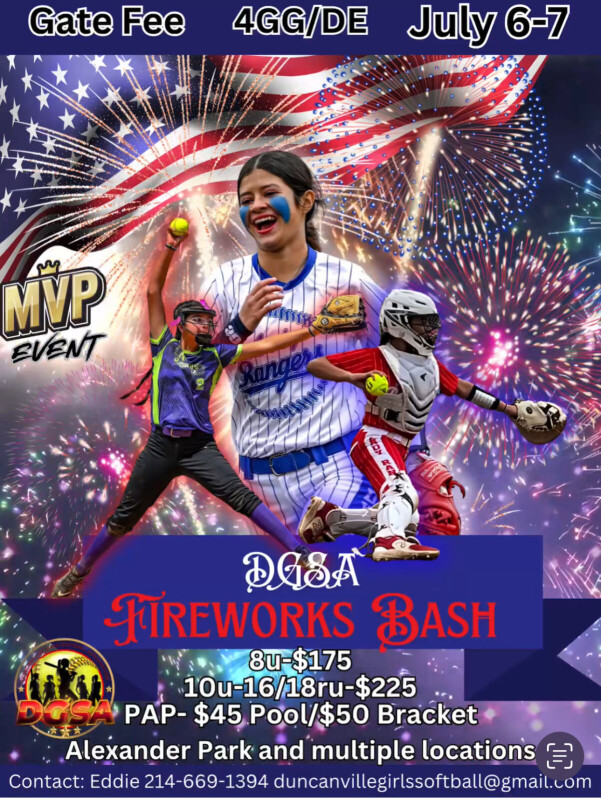
Image resized to 500 x 665
Original size: 601 x 799
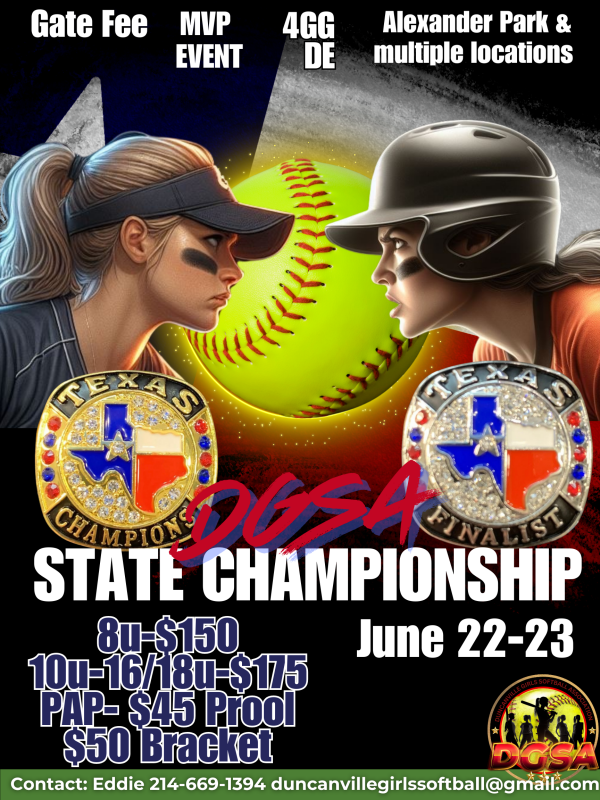
Image resized to 500 x 667
Original size: 600 x 800
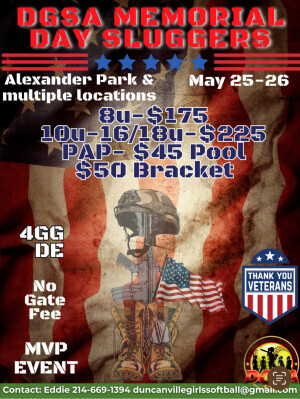
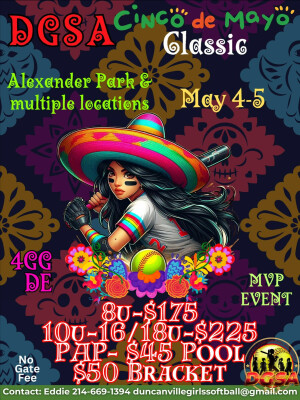
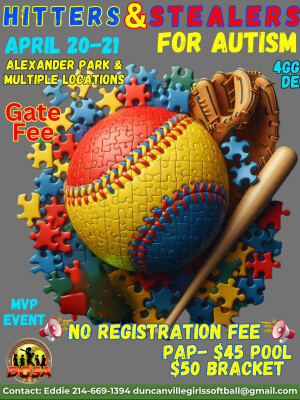
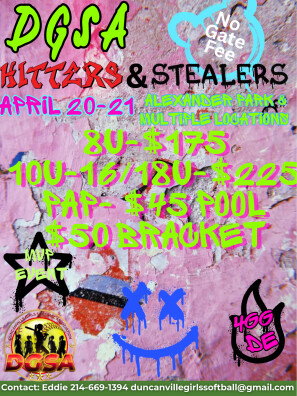
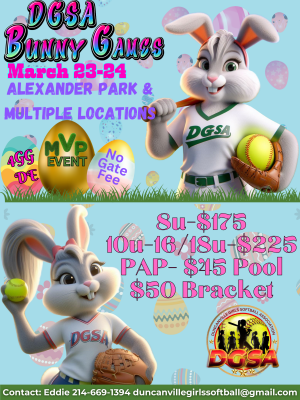
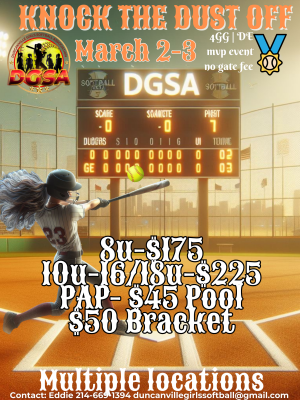
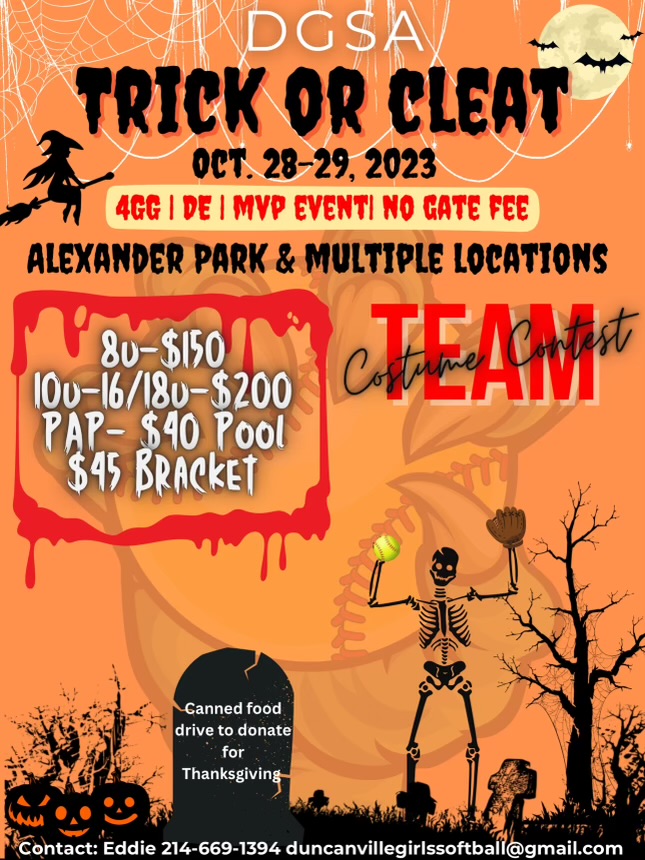
Image resized to 500 x 667
Original size: 645 x 860

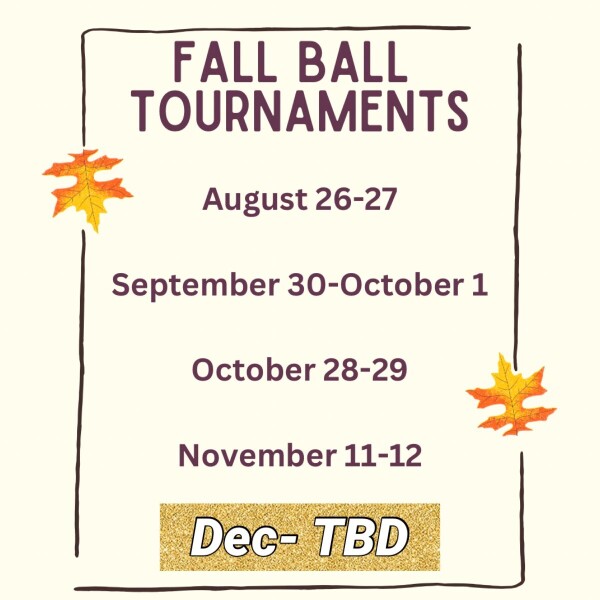
Image resized to 500 x 500
Original size: 600 x 600

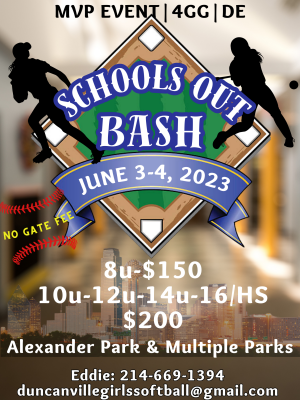
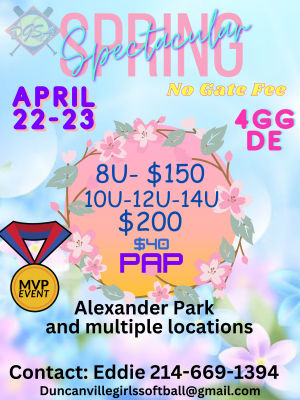
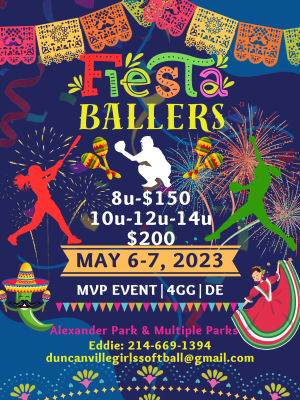
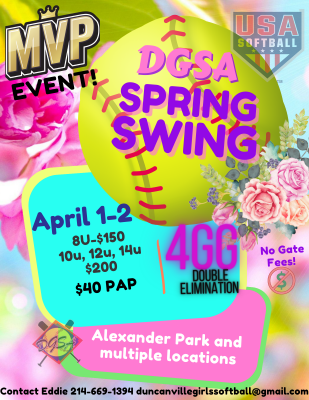
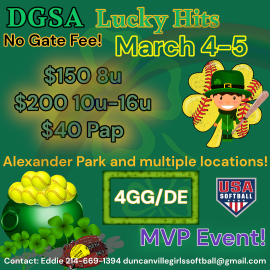
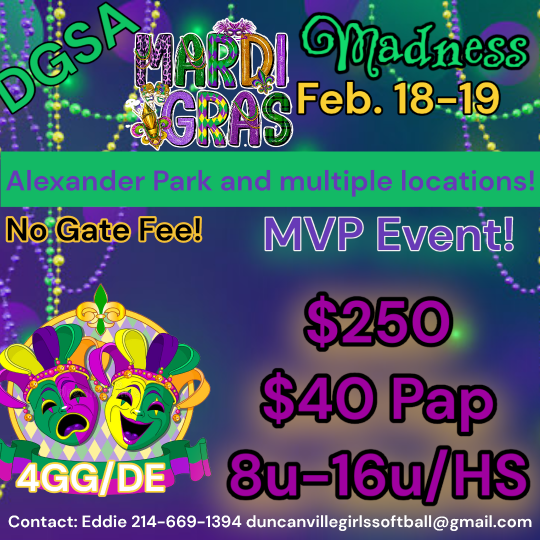
Image resized to 500 x 500
Original size: 540 x 540
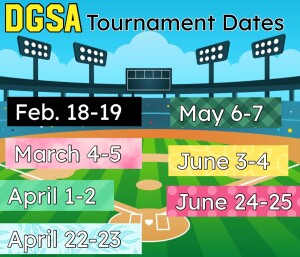

Image resized to 500 x 500
Original size: 540 x 540

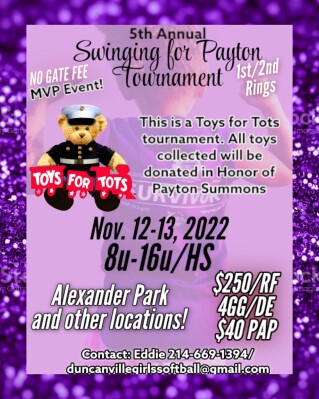
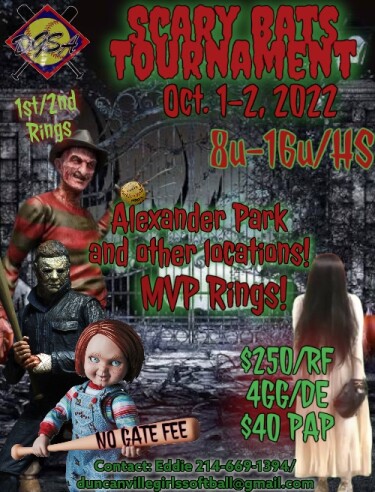
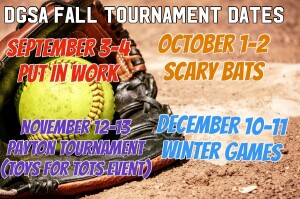

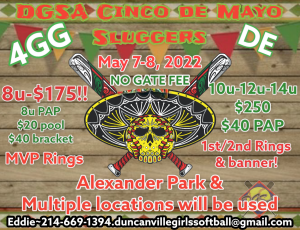
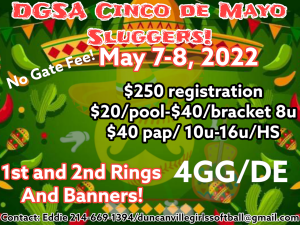
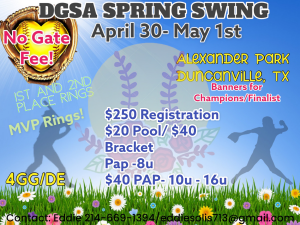
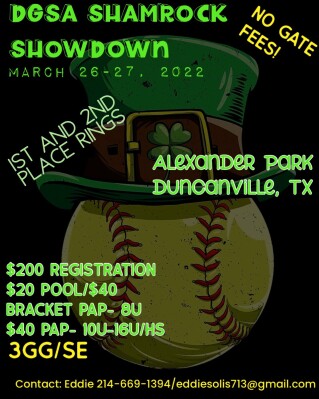
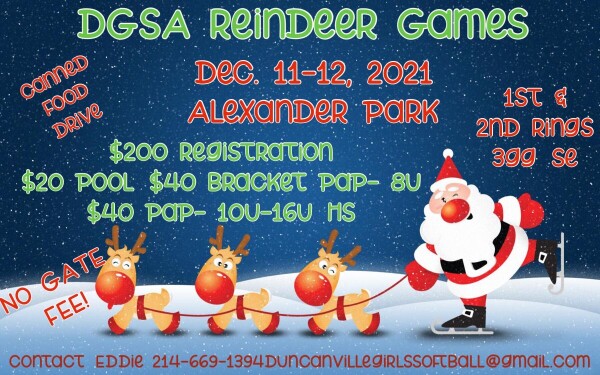
Image resized to 500 x 313
Original size: 600 x 375
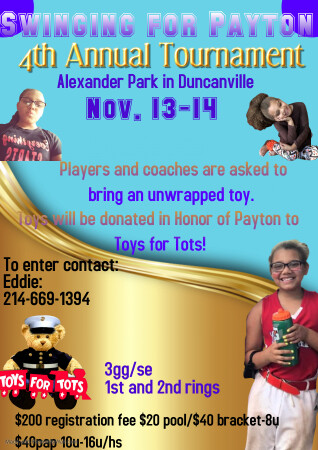
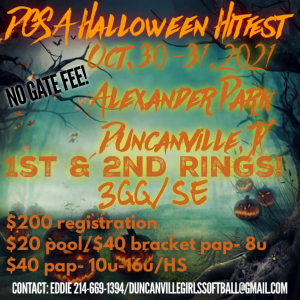
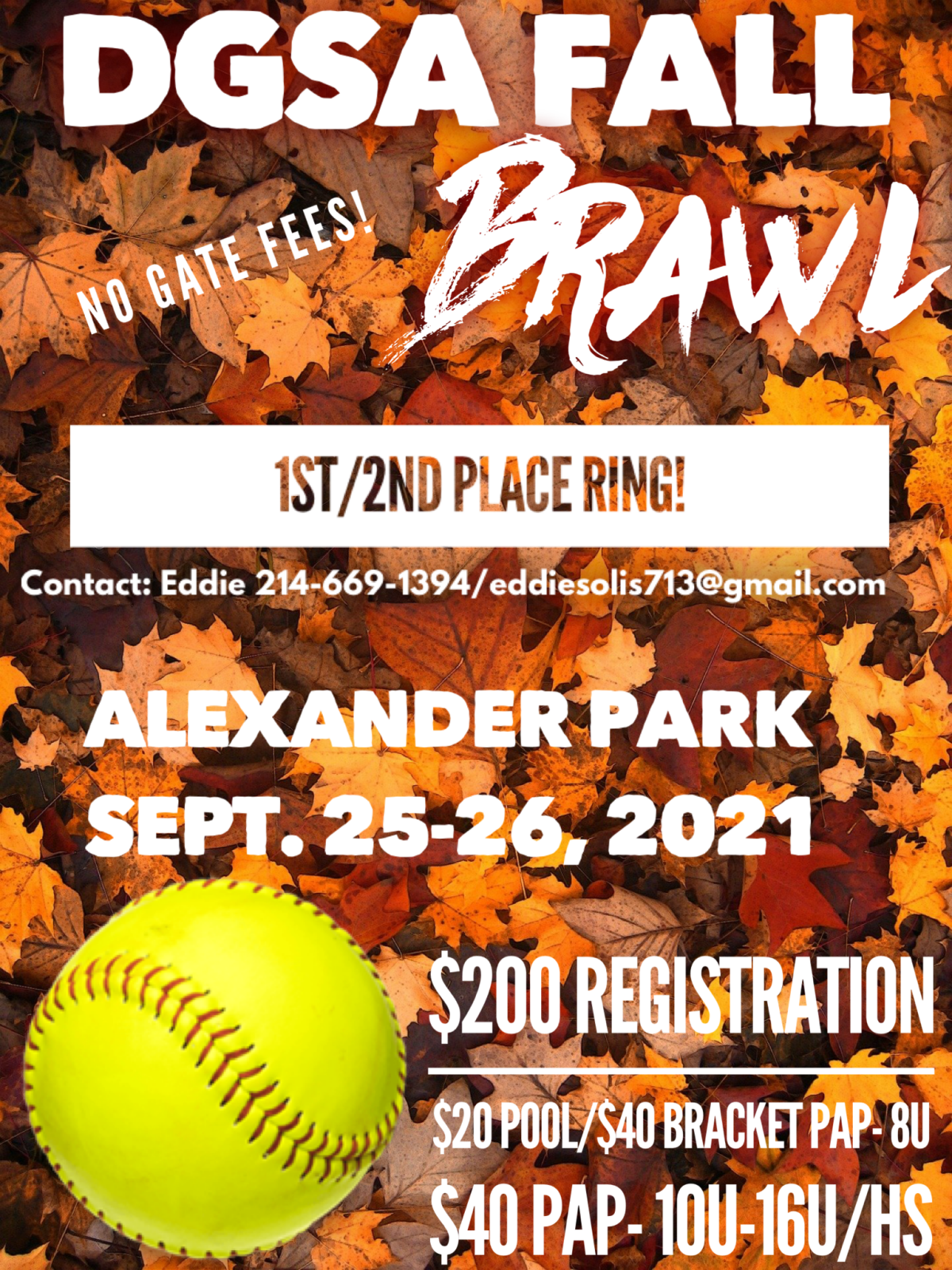
Image resized to 500 x 667
Original size: 1200 x 1600
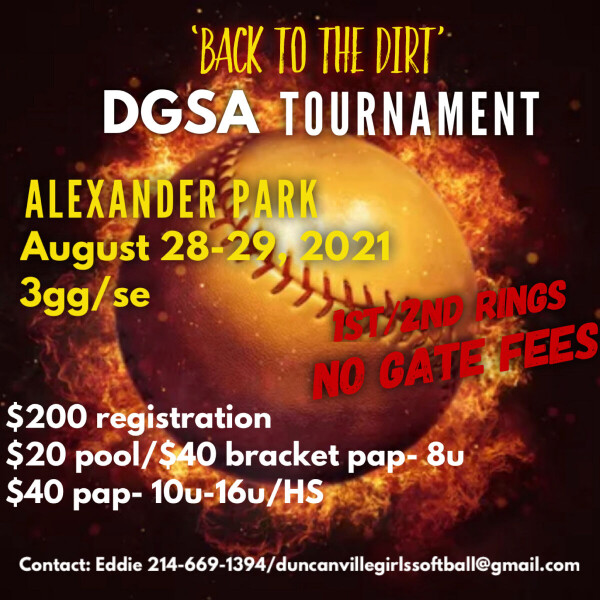
Image resized to 500 x 500
Original size: 600 x 600
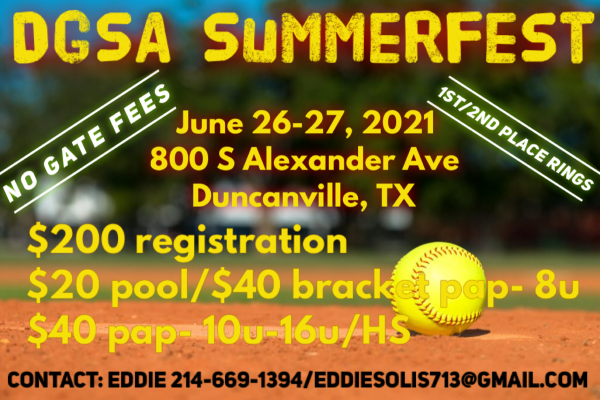
Image resized to 500 x 333
Original size: 600 x 400
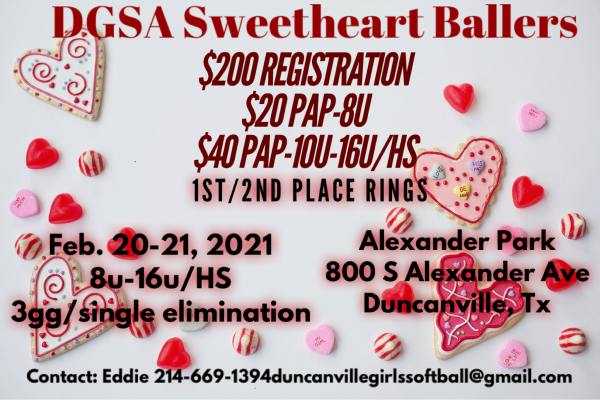
Image resized to 500 x 333
Original size: 600 x 400
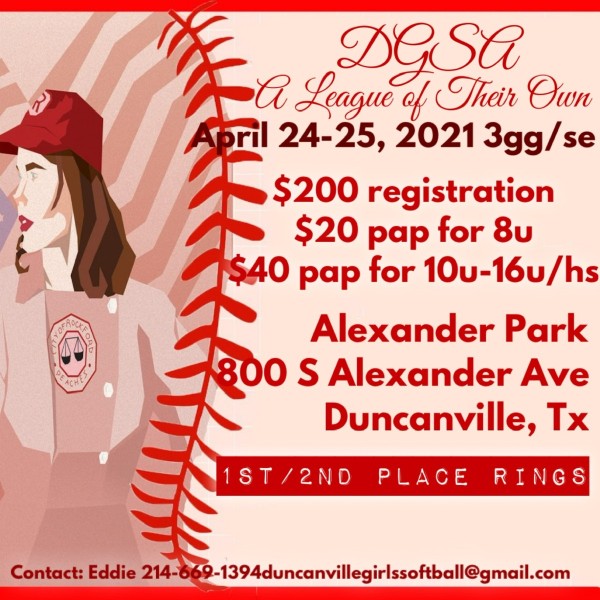
Image resized to 500 x 500
Original size: 600 x 600
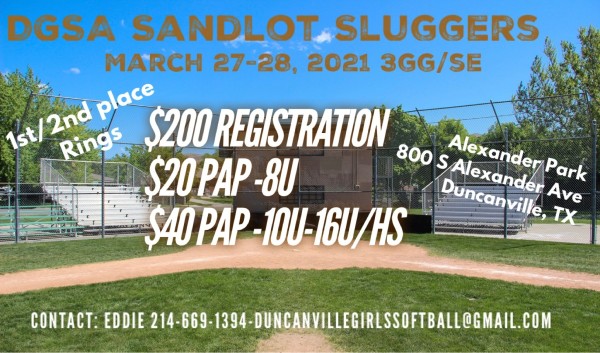
Image resized to 500 x 294
Original size: 600 x 353
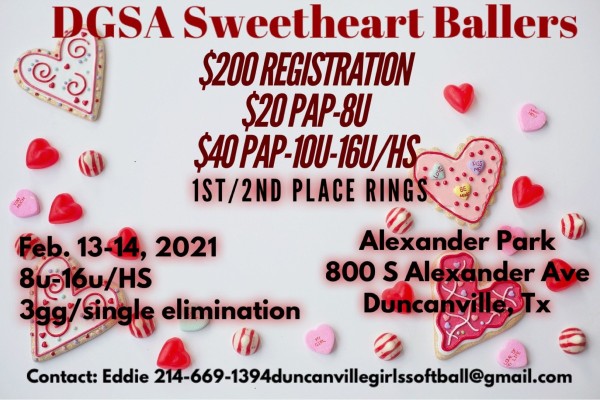
Image resized to 500 x 333
Original size: 600 x 400
Your current header logo
Graphics from your Downloads page
C523786870814D30A26BE50CEE6DA71C.png
Image resized to 500 x 208
Original size: 900 x 375
Fall dates
Image resized to 500 x 667
Original size: 900 x 1200
Tournaments
Image resized to 500 x 667
Original size: 900 x 1200
xmas
Image resized to 500 x 667
Original size: 600 x 800
July 4
Image resized to 500 x 665
Original size: 601 x 799
State
Image resized to 500 x 667
Original size: 600 x 800
Md
5demayo
Hit and steal
Hit
Bunny Games
Knock
TC
Image resized to 500 x 667
Original size: 645 x 860
Strikeout Cancer
Fall 23 Tournaments
Image resized to 500 x 500
Original size: 600 x 600
Sizzler
Schools out
Spring Spectacular
Fiesta Ballers
Spring Swings
Lucky Hits
Mardi Gras
Image resized to 500 x 500
Original size: 540 x 540
Spring 23’ Tournaments
Holiday Family
Image resized to 500 x 500
Original size: 540 x 540
Winter Games
Swinging For Payton 2022
E54BBA70F51D4EFDB479E9F668BC964B.jpeg
Future Tournaments
DGSA Summer Slam
Cinco de Mayo 22
Cinco de Mayo Sluggers
Spring Swing
Shamrock showdown
DGSA Reindeer Games
Image resized to 500 x 313
Original size: 600 x 375
Payton 2021
Halloween Hitfest
Fall Brawl
Image resized to 500 x 667
Original size: 1200 x 1600
Back to the Dirt
Image resized to 500 x 500
Original size: 600 x 600
DGSA Summerfest
Image resized to 500 x 333
Original size: 600 x 400
DGSA Fiesta Showdown
Sweetheart Ballers 2
Image resized to 500 x 333
Original size: 600 x 400
A League of their Own
Image resized to 500 x 500
Original size: 600 x 600
Sandlot Sluggers
Image resized to 500 x 294
Original size: 600 x 353
Sweetheart Tournament
Image resized to 500 x 333
Original size: 600 x 400
Web address
There are two options for the web address displayed at the top of the printer-friendly schedule -
either the address of your home page on the QuickScores website or your organization's home page.
A drop-down box in the Schedule Header Customization section allows you to select one or the other.
The Schedule Header Customization fields on the Event Options page are used to change the appearance of just that one event and overrides the settings defined on the Setup page.
The Schedule Header Customization fields on the Event Options page are used to change the appearance of just that one event and overrides the settings defined on the Setup page.