

Schedule Headers With No Customization
The following two screenshots show the appearance of the color and printer-friendly schedules
without any customization. A standard schedule page header contains the event's name, sport and season


Schedule Headers With Added Text Line
Sports organizations often have a hotline phone number which a player or coach can call to hear a
recorded message about field conditions. Organizations also sometimes have mottos that they would
like to have prominently displayed. The "Text" field of the Schedule Header Customization section
allows up to 100 characters to be displayed at the top of the both the color and the black & white
printer-friendly versions of the schedules. For example, if the text "Rainout info: 214-450-3079"
is entered in the Text field, the schedule headers will look as follows:


Schedule Headers With Added Graphics
In addition to the line of text, the schedule headers can be customized by adding a graphic at the top.
The Schedule Header Customization section has a drop-down box that allows selection of one of several
standard graphics. The "My Logo" selection uses the organization's logo that appears in the dark blue
section at the top of all colored pages. With the exception of "My Logo", any graphic selected will appear
at the top of both the colored and printer-friendly black & white schedules. The "My Logo" graphic will
only appear on the printer-friendly schedule. The following table shows the various graphics that can be
added to the schedule header.


Image resized to 500 x 387
Original size: 600 x 464

Image resized to 500 x 625
Original size: 1080 x 1350

Image resized to 500 x 625
Original size: 1080 x 1350

Image resized to 500 x 375
Original size: 1200 x 900
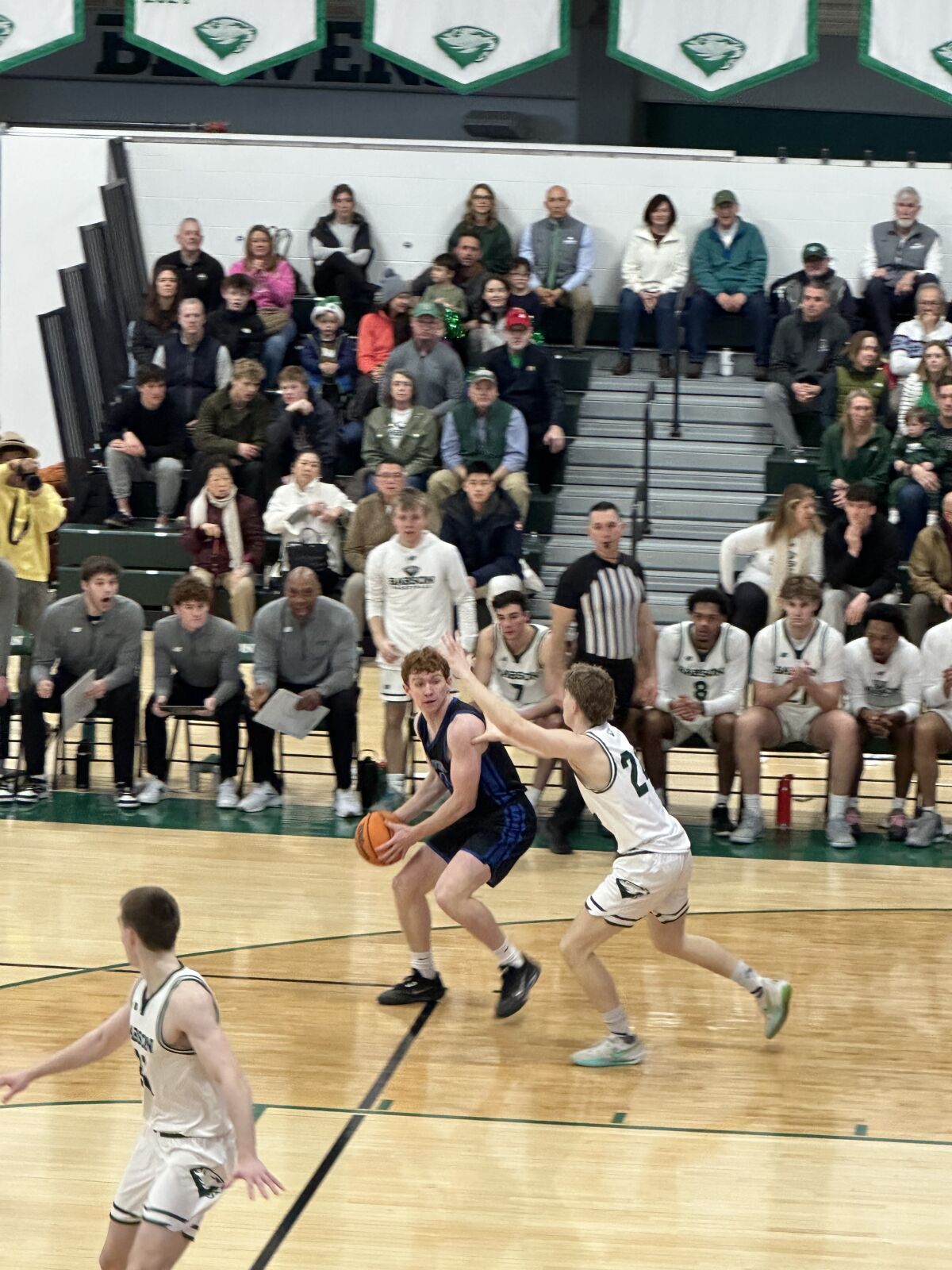
Image resized to 500 x 667
Original size: 1200 x 1600

Image resized to 500 x 375
Original size: 1200 x 900

Image resized to 500 x 625
Original size: 1080 x 1350

Image resized to 500 x 357
Original size: 1200 x 857

Image resized to 500 x 625
Original size: 1080 x 1350
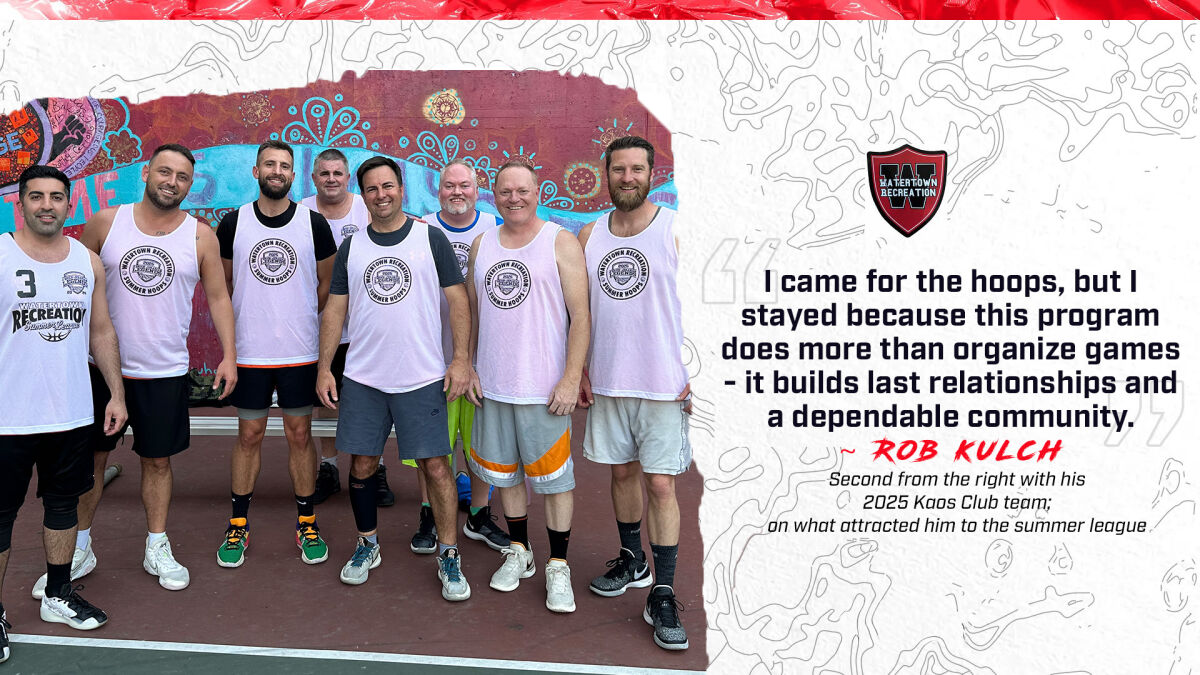
Image resized to 500 x 281
Original size: 1200 x 675

Image resized to 500 x 625
Original size: 1080 x 1350

Image resized to 500 x 357
Original size: 1200 x 857

Image resized to 500 x 346
Original size: 1200 x 831

Image resized to 500 x 375
Original size: 1200 x 900

Image resized to 500 x 333
Original size: 1200 x 800

Image resized to 500 x 375
Original size: 1200 x 900

Image resized to 500 x 375
Original size: 1200 x 900

Image resized to 500 x 339
Original size: 1200 x 813

Image resized to 500 x 467
Original size: 1200 x 1121

Image resized to 500 x 375
Original size: 1200 x 900

Image resized to 500 x 375
Original size: 1200 x 900

Image resized to 500 x 375
Original size: 1200 x 900

Image resized to 500 x 625
Original size: 1080 x 1350

Image resized to 500 x 167
Original size: 1200 x 400

Image resized to 500 x 167
Original size: 1200 x 400

Image resized to 500 x 333
Original size: 900 x 600

Image resized to 500 x 333
Original size: 600 x 400
Your current header logo
Graphics from your Downloads page
PLAYOFFS.jpg
Image resized to 500 x 387
Original size: 600 x 464
PPG_LEADERS_6.26.26.jpg
Image resized to 500 x 625
Original size: 1080 x 1350
3PT_FG_LEADERS_6.26.26.jpg
Image resized to 500 x 625
Original size: 1080 x 1350
Babson Championship
Image resized to 500 x 375
Original size: 1200 x 900
Eoin Morrissey action
Image resized to 500 x 667
Original size: 1200 x 1600
Eoin Morrisey
Image resized to 500 x 375
Original size: 1200 x 900
MARCO COPPOLA
Image resized to 500 x 625
Original size: 1080 x 1350
Papas Elite 2026
Image resized to 500 x 357
Original size: 1200 x 857
MARCUS D'ANGELIS
Image resized to 500 x 625
Original size: 1080 x 1350
ROB KULCH
Image resized to 500 x 281
Original size: 1200 x 675
BASKETBALL - LEGENDS
Image resized to 500 x 625
Original size: 1080 x 1350
Legends League 2026
Image resized to 500 x 357
Original size: 1200 x 857
Johnson Club Champions 2025
Image resized to 500 x 346
Original size: 1200 x 831
Donohues_Kaos_Club_Champion.jpg
Image resized to 500 x 375
Original size: 1200 x 900
2025_Elite_PostSeason.jpg
Image resized to 500 x 333
Original size: 1200 x 800
Watertown Basketball
Image resized to 500 x 375
Original size: 1200 x 900
Portsmouth-Honan Women
Image resized to 500 x 375
Original size: 1200 x 900
Honan vs. Portsmouth
Image resized to 500 x 339
Original size: 1200 x 813
Harry Rafferty, Carrie Moore, Matt Fraschilla, Lindsay Graham
Image resized to 500 x 467
Original size: 1200 x 1121
Karpowicz for the Dunk
Image resized to 500 x 375
Original size: 1200 x 900
Johnny Ortiz with the layup
Image resized to 500 x 375
Original size: 1200 x 900
Portsmouth Men - Watertown Men with staff
Image resized to 500 x 375
Original size: 1200 x 900
mId_summer_classic_copy.jpg
Image resized to 500 x 625
Original size: 1080 x 1350
elite 2025
Image resized to 500 x 167
Original size: 1200 x 400
legends 2025
Image resized to 500 x 167
Original size: 1200 x 400
2024 Legends Champions - Kaos Club
Image resized to 500 x 333
Original size: 900 x 600
2024 Elite Champs
Image resized to 500 x 333
Original size: 600 x 400
Web address
There are two options for the web address displayed at the top of the printer-friendly schedule -
either the address of your home page on the QuickScores website or your organization's home page.
A drop-down box in the Schedule Header Customization section allows you to select one or the other.
The Schedule Header Customization fields on the Event Options page are used to change the appearance of just that one event and overrides the settings defined on the Setup page.
The Schedule Header Customization fields on the Event Options page are used to change the appearance of just that one event and overrides the settings defined on the Setup page.