


Schedule Headers With No Customization
The following two screenshots show the appearance of the color and printer-friendly schedules
without any customization. A standard schedule page header contains the event's name, sport and season


Schedule Headers With Added Text Line
Sports organizations often have a hotline phone number which a player or coach can call to hear a
recorded message about field conditions. Organizations also sometimes have mottos that they would
like to have prominently displayed. The "Text" field of the Schedule Header Customization section
allows up to 100 characters to be displayed at the top of the both the color and the black & white
printer-friendly versions of the schedules. For example, if the text "Rainout info: 214-450-3079"
is entered in the Text field, the schedule headers will look as follows:


Schedule Headers With Added Graphics
In addition to the line of text, the schedule headers can be customized by adding a graphic at the top.
The Schedule Header Customization section has a drop-down box that allows selection of one of several
standard graphics. The "My Logo" selection uses the organization's logo that appears in the dark blue
section at the top of all colored pages. With the exception of "My Logo", any graphic selected will appear
at the top of both the colored and printer-friendly black & white schedules. The "My Logo" graphic will
only appear on the printer-friendly schedule. The following table shows the various graphics that can be
added to the schedule header.



Image resized to 500 x 600
Original size: 1170 x 1405

Image resized to 500 x 560
Original size: 828 x 928

Image resized to 500 x 551
Original size: 517 x 570

Image resized to 500 x 584
Original size: 1170 x 1366
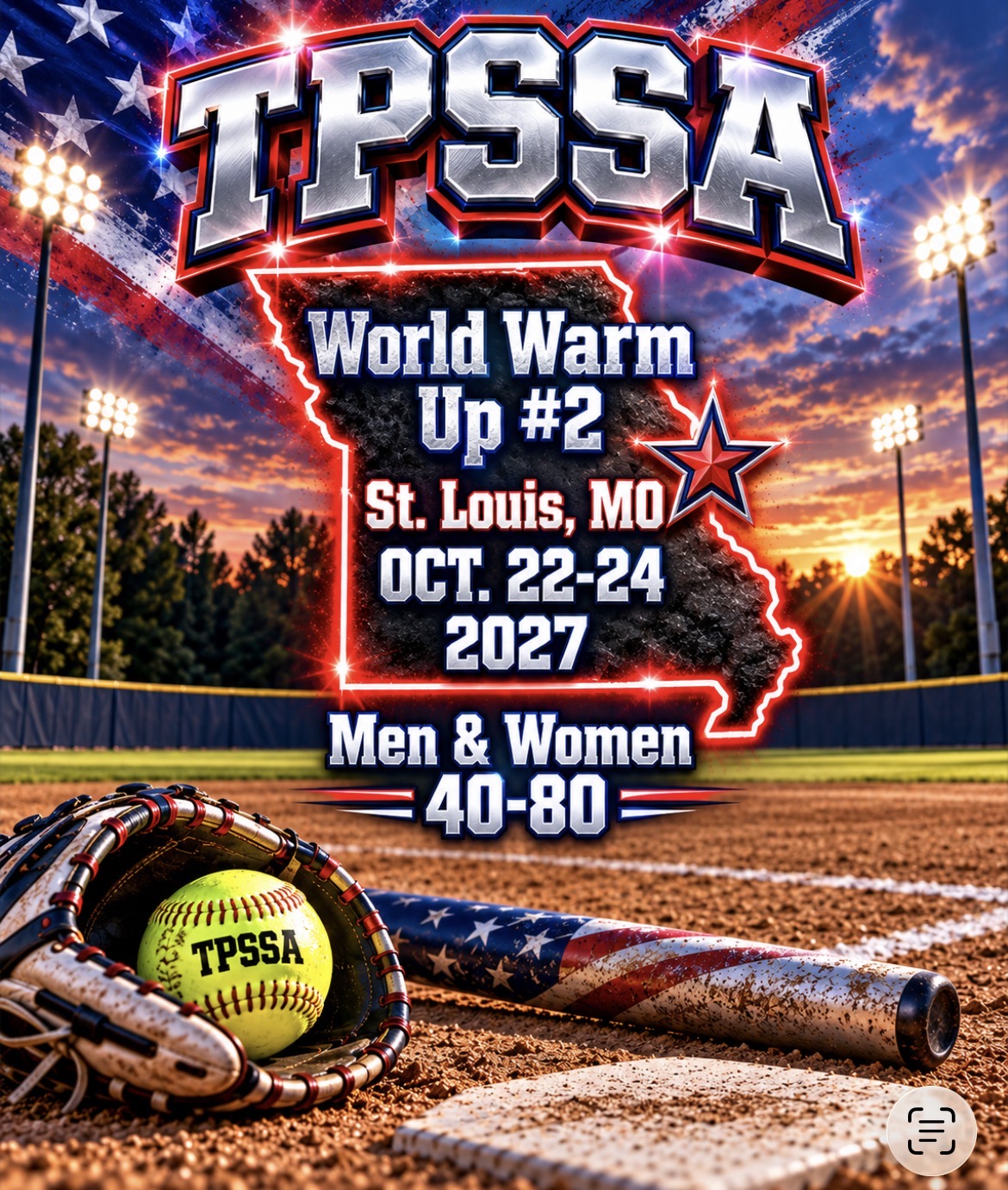
Image resized to 500 x 590
Original size: 1170 x 1381

Image resized to 500 x 597
Original size: 1170 x 1397

Image resized to 500 x 597
Original size: 1170 x 1397

Image resized to 500 x 597
Original size: 1170 x 1397

Image resized to 500 x 497
Original size: 1170 x 1163

Image resized to 500 x 500
Original size: 1170 x 1170
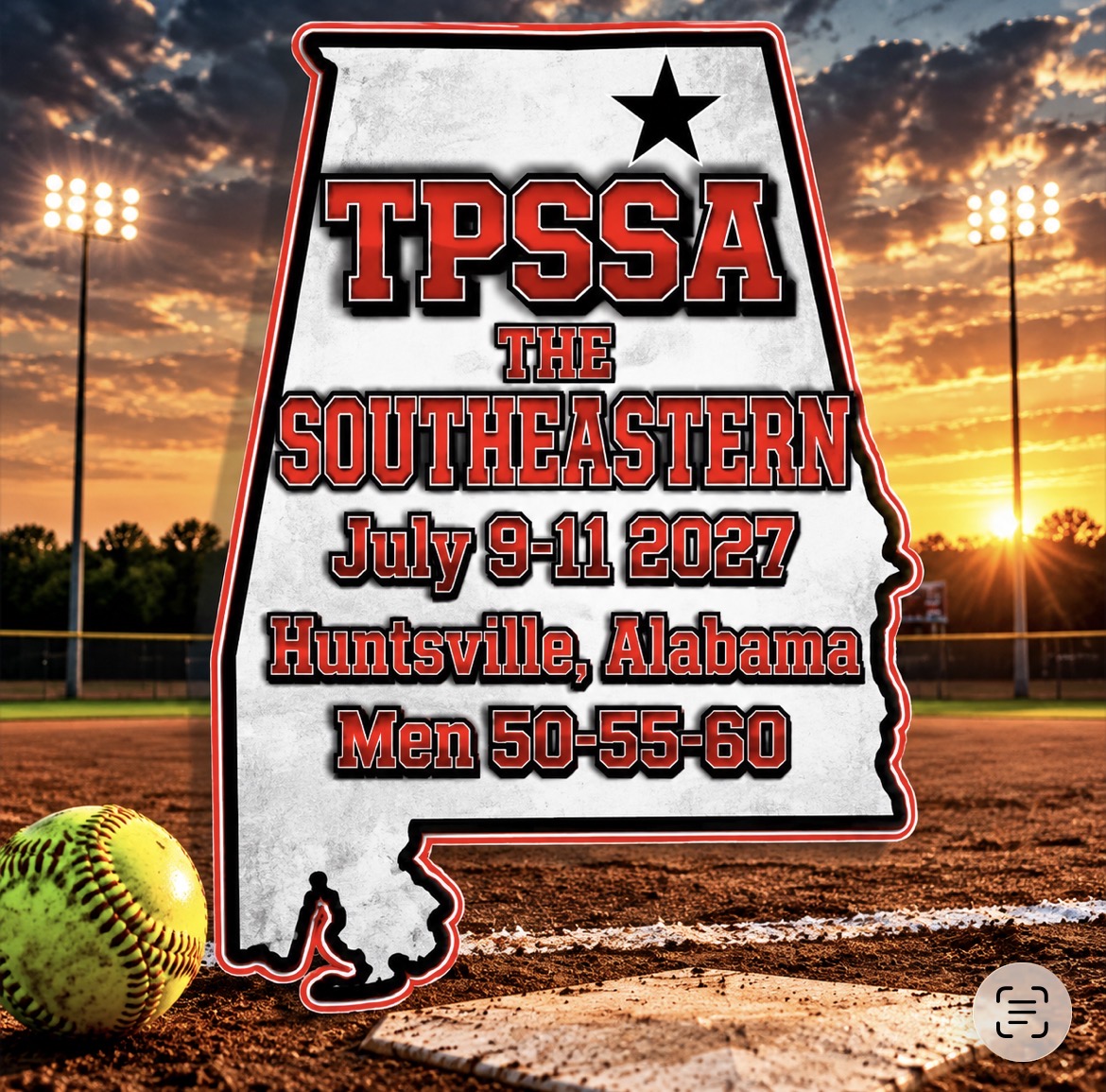
Image resized to 500 x 494
Original size: 1170 x 1155

Image resized to 500 x 499
Original size: 1170 x 1167
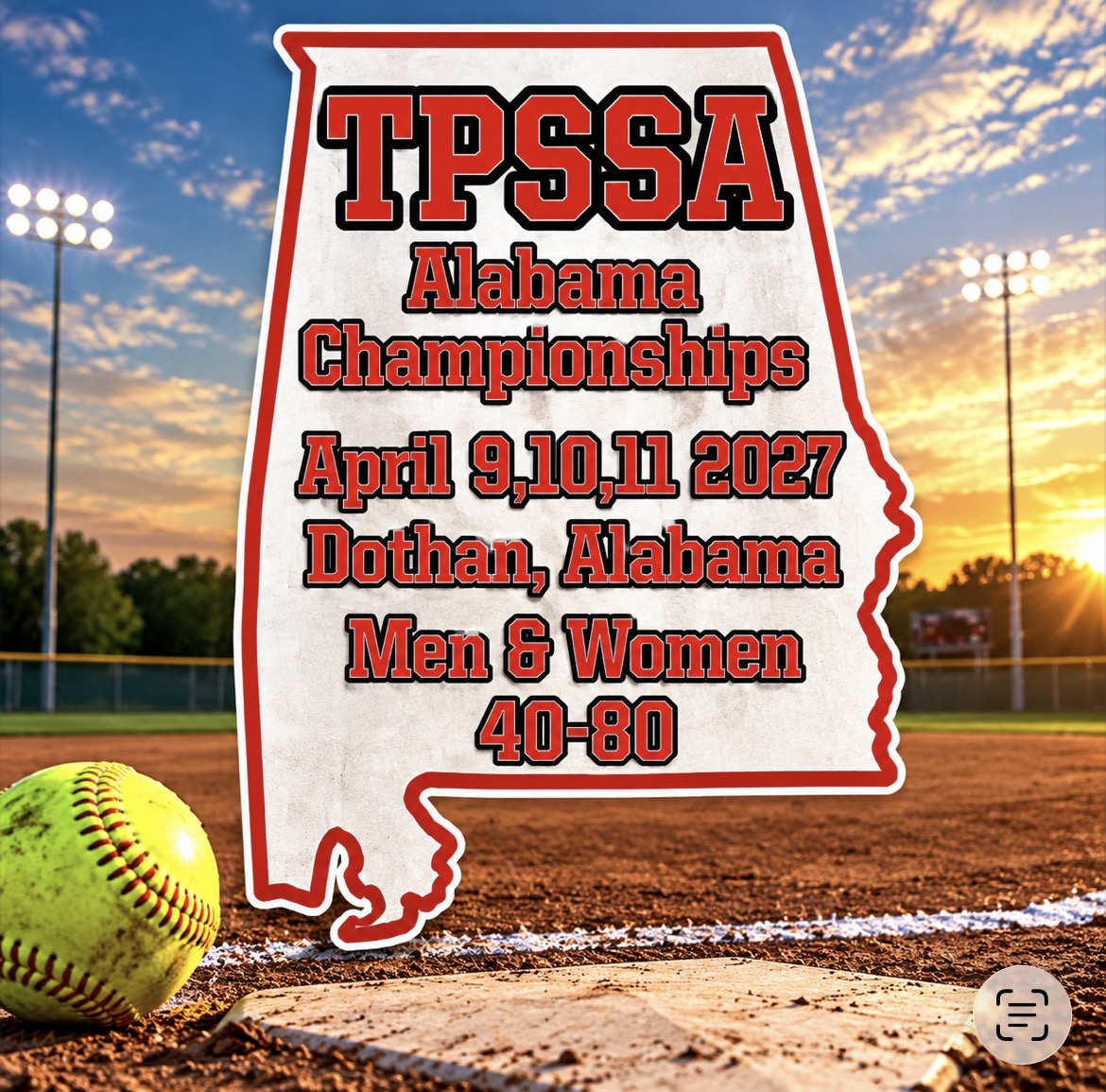
Image resized to 500 x 494
Original size: 1170 x 1155
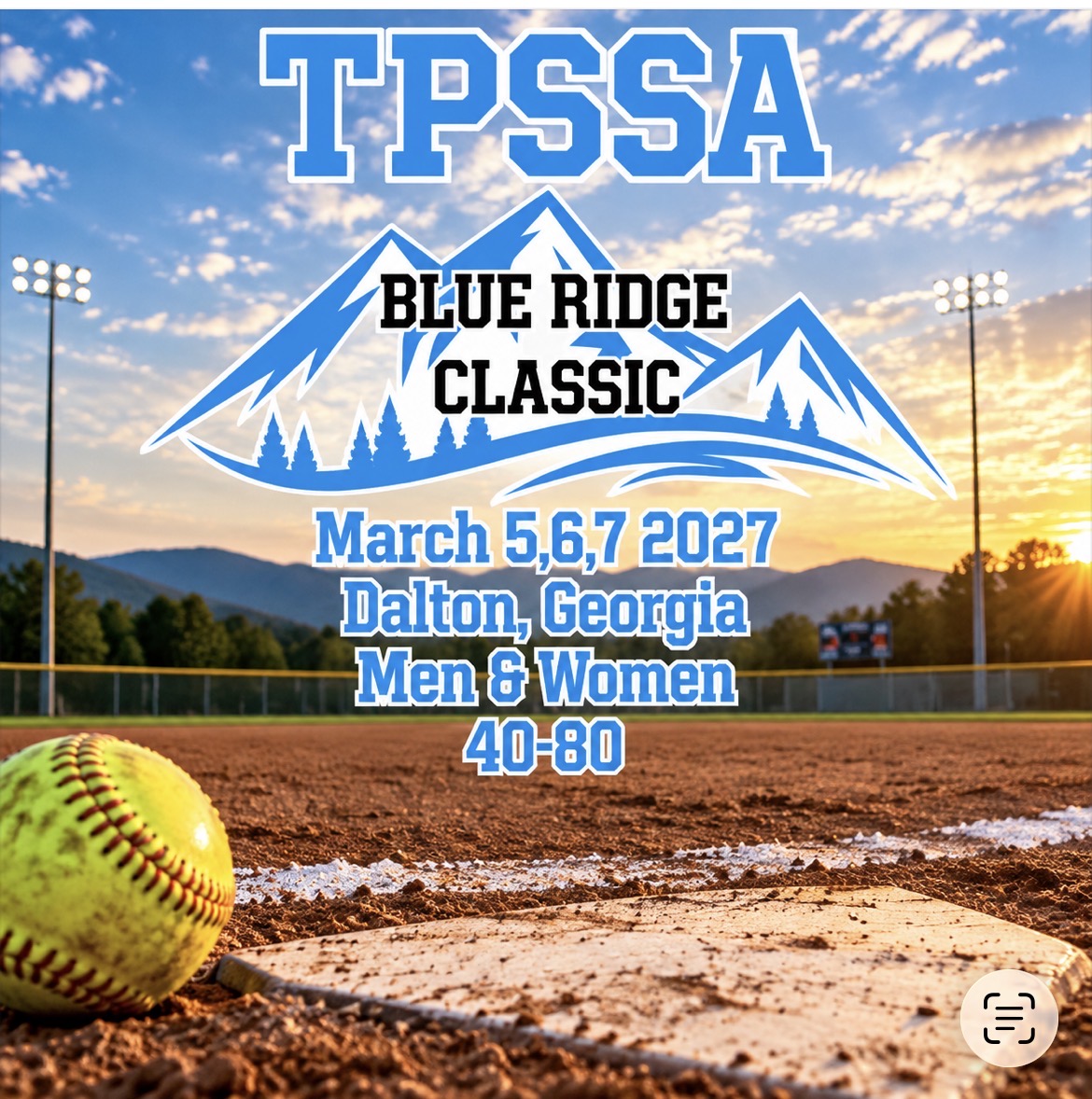
Image resized to 500 x 503
Original size: 1170 x 1178
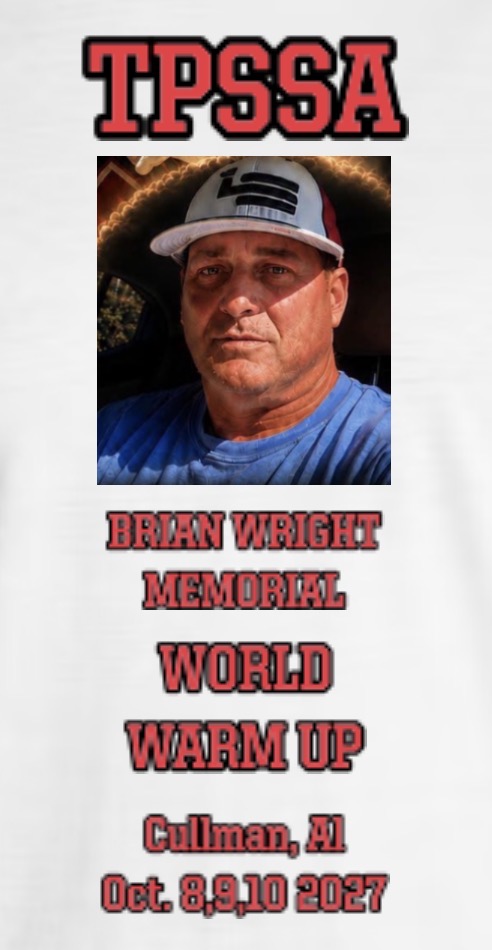

Image resized to 500 x 716
Original size: 631 x 904

Image resized to 500 x 868
Original size: 561 x 974
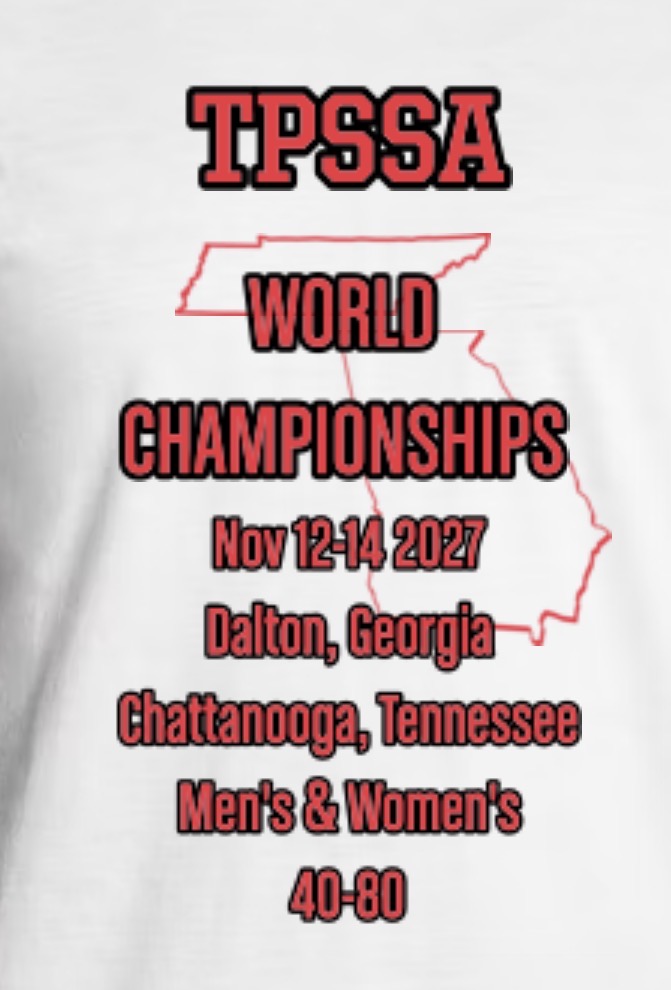
Image resized to 500 x 738
Original size: 671 x 990
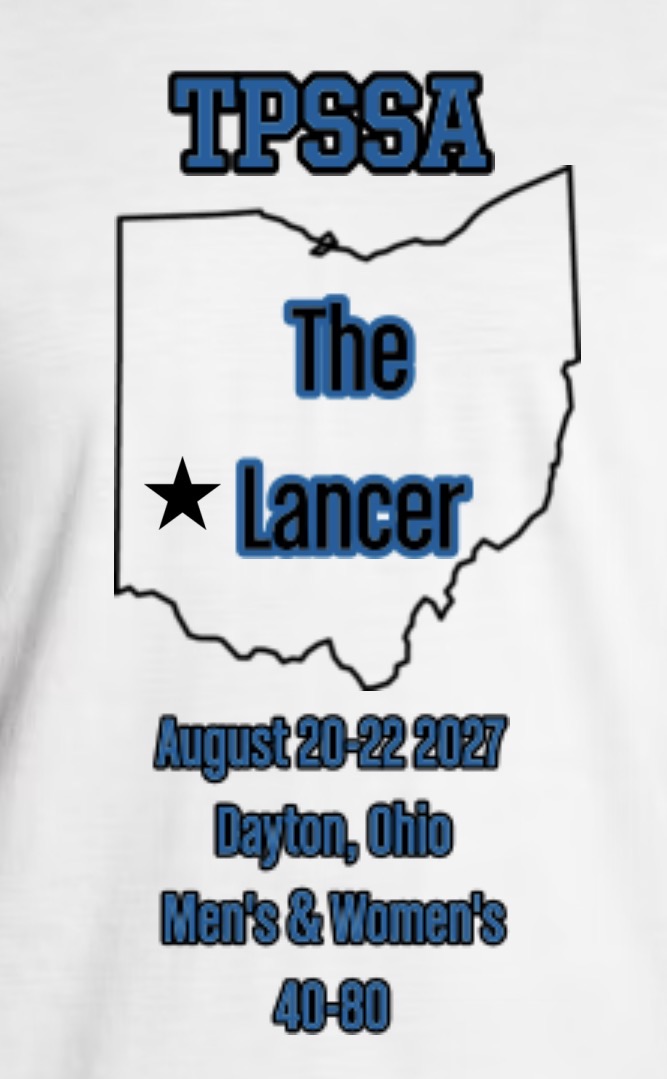
Image resized to 500 x 809
Original size: 667 x 1079
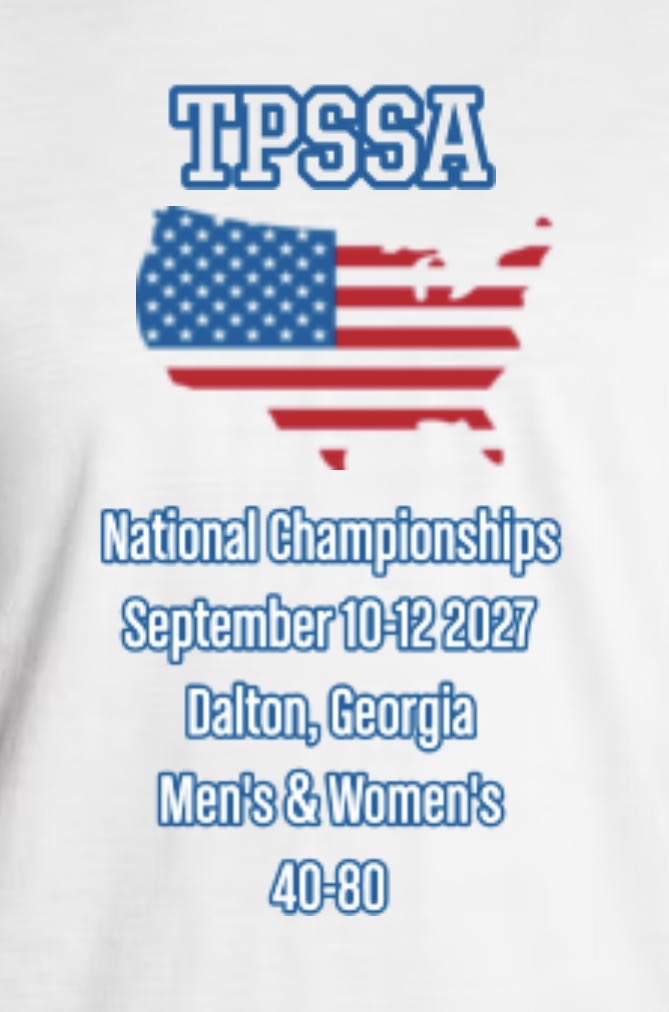
Image resized to 500 x 756
Original size: 669 x 1012
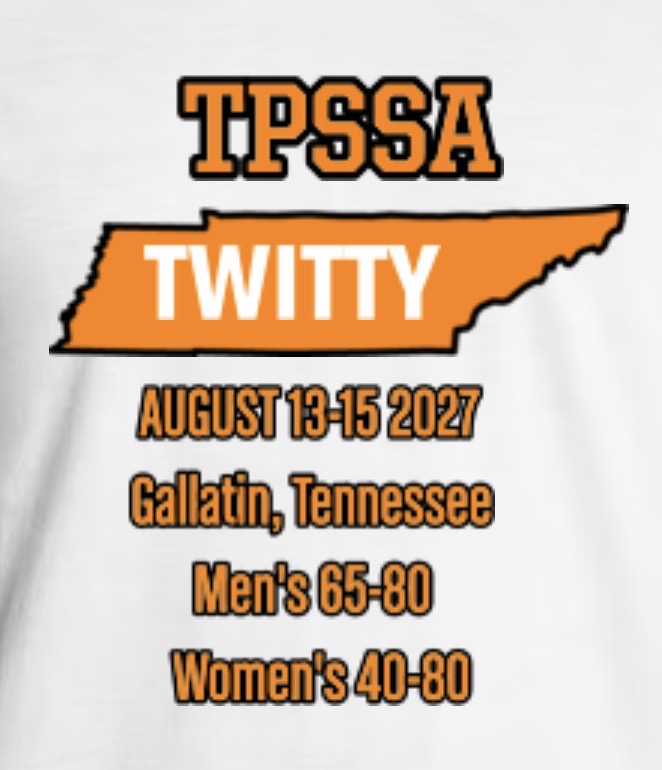
Image resized to 500 x 582
Original size: 662 x 770
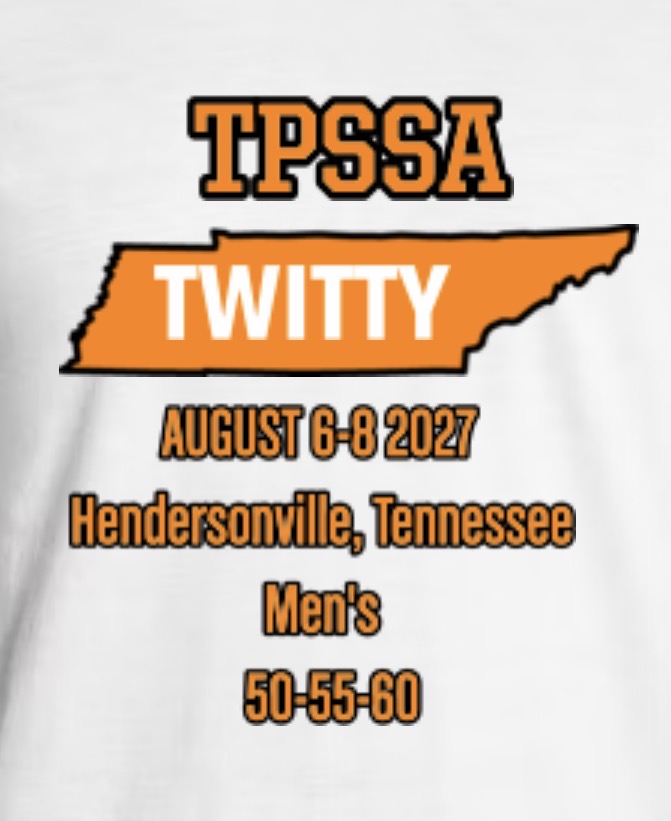
Image resized to 500 x 612
Original size: 671 x 821
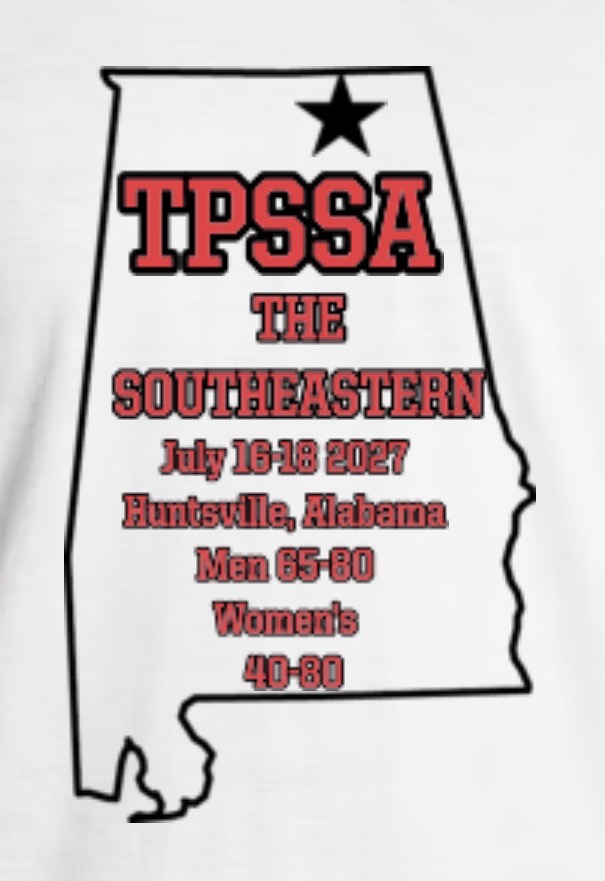
Image resized to 500 x 728
Original size: 605 x 881
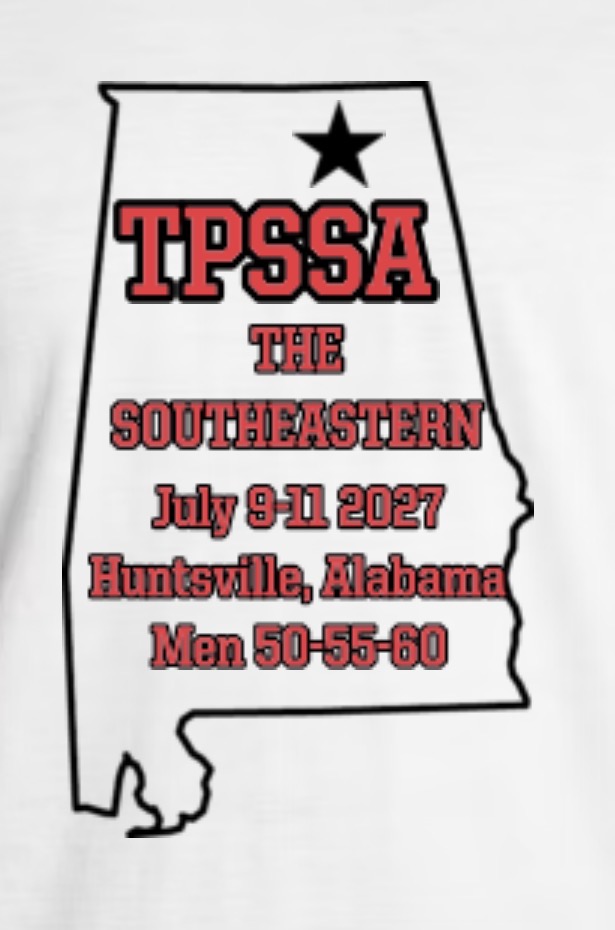
Image resized to 500 x 756
Original size: 615 x 930
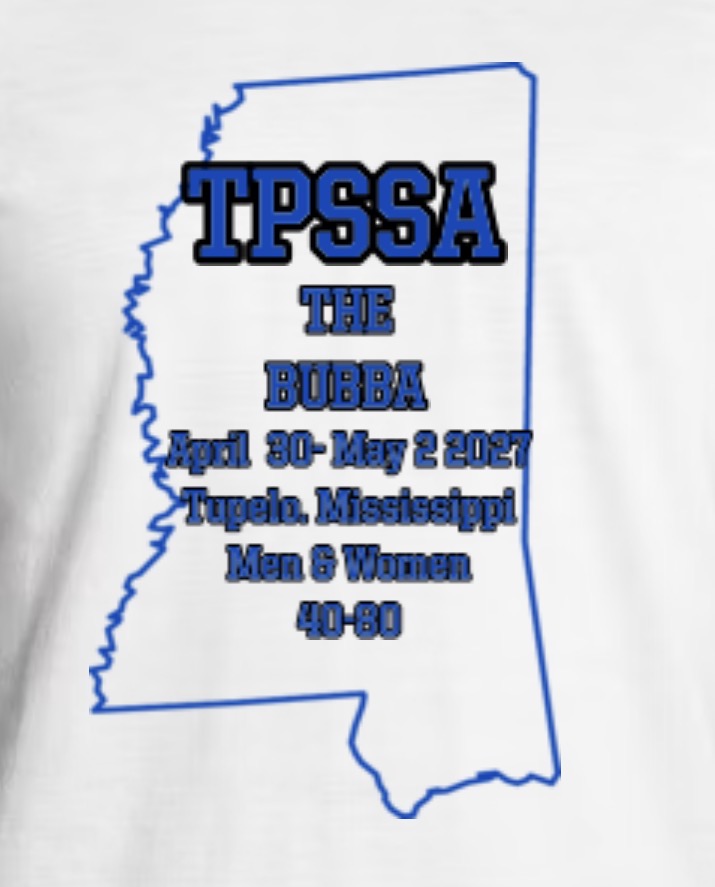
Image resized to 500 x 620
Original size: 715 x 887
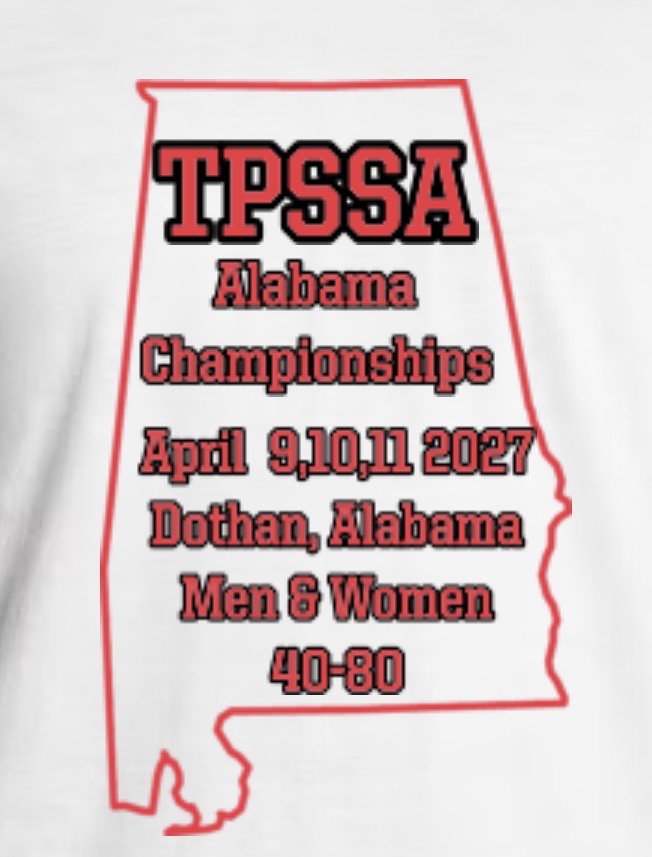
Image resized to 500 x 657
Original size: 652 x 857
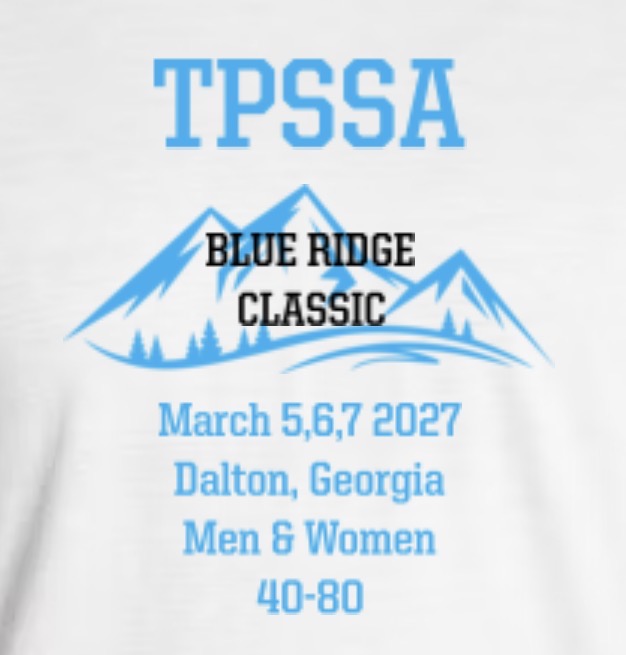
Image resized to 500 x 523
Original size: 626 x 655

Image resized to 500 x 721
Original size: 559 x 806
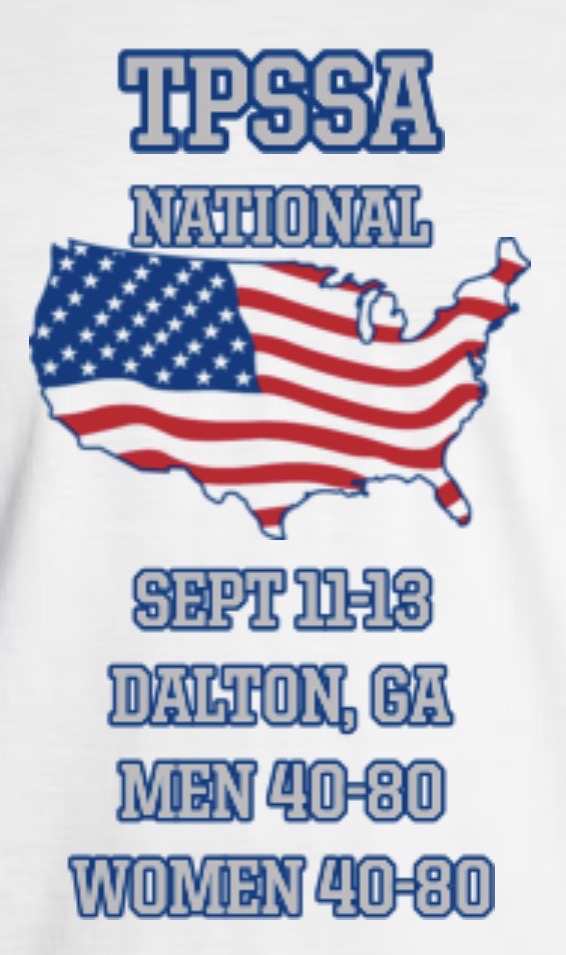
Image resized to 500 x 844
Original size: 566 x 955

Image resized to 500 x 482
Original size: 513 x 495
Image resized to 500 x 596
Original size: 827 x 986

Image resized to 500 x 609
Original size: 828 x 1008

Image resized to 500 x 726
Original size: 828 x 1202
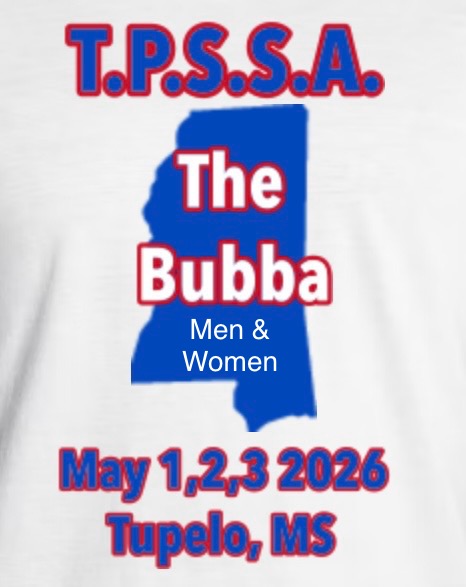
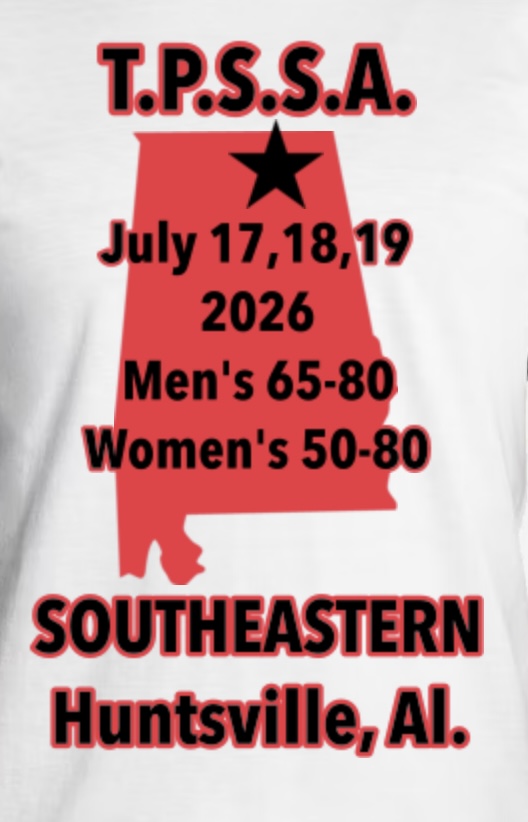
Image resized to 500 x 778
Original size: 528 x 822
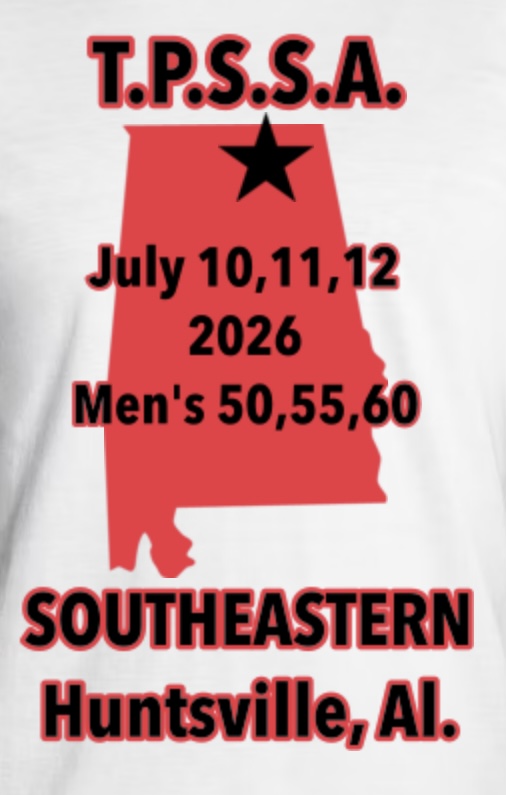
Image resized to 500 x 786
Original size: 506 x 795

Image resized to 500 x 500
Original size: 658 x 658
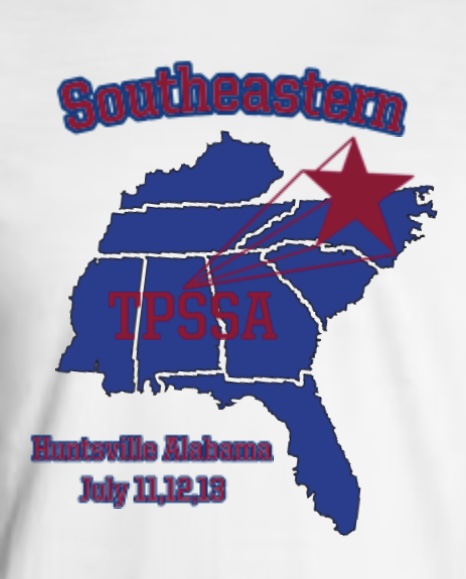

Image resized to 500 x 653
Original size: 828 x 1082
Image resized to 500 x 776
Original size: 828 x 1285


Image resized to 500 x 160
Original size: 724 x 232

Image resized to 500 x 431
Original size: 507 x 437


Image resized to 500 x 249
Original size: 828 x 412

Image resized to 500 x 432
Original size: 621 x 536
Image resized to 500 x 313
Original size: 600 x 375

Image resized to 500 x 236
Original size: 530 x 250





Your current header logo
Graphics from your Downloads page
tpssa_croppedcroppedScreenshot202211291154031.png
Buckeye
Image resized to 500 x 600
Original size: 1170 x 1405
TPSSA
Image resized to 500 x 560
Original size: 828 x 928
TPSSA SOUTHWEST
Image resized to 500 x 551
Original size: 517 x 570
WC27
Image resized to 500 x 584
Original size: 1170 x 1366
STL 27
Image resized to 500 x 590
Original size: 1170 x 1381
BDUB27
Image resized to 500 x 597
Original size: 1170 x 1397
NC27
Image resized to 500 x 597
Original size: 1170 x 1397
Lancer 27
Image resized to 500 x 597
Original size: 1170 x 1397
New Twitty
Image resized to 500 x 497
Original size: 1170 x 1163
New Hville 2
Image resized to 500 x 500
Original size: 1170 x 1170
New HVille 1
Image resized to 500 x 494
Original size: 1170 x 1155
New Tupelo
Image resized to 500 x 499
Original size: 1170 x 1167
New AL
Image resized to 500 x 494
Original size: 1170 x 1155
New BR
Image resized to 500 x 503
Original size: 1170 x 1178
BW
St Louis 27
Image resized to 500 x 716
Original size: 631 x 904
Cullman 27
Image resized to 500 x 868
Original size: 561 x 974
WC 2027
Image resized to 500 x 738
Original size: 671 x 990
The Lancer 2027
Image resized to 500 x 809
Original size: 667 x 1079
National 2027
Image resized to 500 x 756
Original size: 669 x 1012
Twitty 2 2027
Image resized to 500 x 582
Original size: 662 x 770
Twitty 1 2027
Image resized to 500 x 612
Original size: 671 x 821
Huntsville 2
Image resized to 500 x 728
Original size: 605 x 881
Huntsville 1
Image resized to 500 x 756
Original size: 615 x 930
Tupelo 27
Image resized to 500 x 620
Original size: 715 x 887
Alabama 27
Image resized to 500 x 657
Original size: 652 x 857
Blur Ridge 27
Image resized to 500 x 523
Original size: 626 x 655
New Huntsville
Image resized to 500 x 721
Original size: 559 x 806
New National
Image resized to 500 x 844
Original size: 566 x 955
Bama
TWTY 2
TWTY 1
Image resized to 500 x 482
Original size: 513 x 495
Gallatin
Dothan
Image resized to 500 x 596
Original size: 827 x 986
Pensacola Women
Pensacola Men
Ark
Geo WC
BRMW
Image resized to 500 x 609
Original size: 828 x 1008
GMW
Image resized to 500 x 726
Original size: 828 x 1202
Tupelo MW
HSEMW
Image resized to 500 x 778
Original size: 528 x 822
HSEM
Image resized to 500 x 786
Original size: 506 x 795
Texas
Image resized to 500 x 500
Original size: 658 x 658
Huntsville
Peach
Image resized to 500 x 653
Original size: 828 x 1082
MWC
Image resized to 500 x 776
Original size: 828 x 1285
DALTON WC
FH
Fall
JC
Twitty
GT
WWC
IMG_2397.jpeg
IMG_2379.jpg
WC.jpg
Register Now Button (Orange)
Image resized to 500 x 160
Original size: 724 x 232
TC.jpg
Image resized to 500 x 431
Original size: 507 x 437
IMG_0472.jpeg
IMG_0427.jpeg
Image resized to 500 x 249
Original size: 828 x 412
IMG_0358.jpeg
Image resized to 500 x 432
Original size: 621 x 536
Maven
Image resized to 500 x 313
Original size: 600 x 375
Short Porch logo
Image resized to 500 x 236
Original size: 530 x 250
AS.jpg
IMG_9999.jpeg
MSC.jpg
IMG_7442.jpeg
IMG_3155.jpeg
IMG_0500.jpeg
Web address
There are two options for the web address displayed at the top of the printer-friendly schedule -
either the address of your home page on the QuickScores website or your organization's home page.
A drop-down box in the Schedule Header Customization section allows you to select one or the other.
The Schedule Header Customization fields on the Event Options page are used to change the appearance of just that one event and overrides the settings defined on the Setup page.
The Schedule Header Customization fields on the Event Options page are used to change the appearance of just that one event and overrides the settings defined on the Setup page.