

Schedule Headers With No Customization
The following two screenshots show the appearance of the color and printer-friendly schedules
without any customization. A standard schedule page header contains the event's name, sport and season


Schedule Headers With Added Text Line
Sports organizations often have a hotline phone number which a player or coach can call to hear a
recorded message about field conditions. Organizations also sometimes have mottos that they would
like to have prominently displayed. The "Text" field of the Schedule Header Customization section
allows up to 100 characters to be displayed at the top of the both the color and the black & white
printer-friendly versions of the schedules. For example, if the text "Rainout info: 214-450-3079"
is entered in the Text field, the schedule headers will look as follows:


Schedule Headers With Added Graphics
In addition to the line of text, the schedule headers can be customized by adding a graphic at the top.
The Schedule Header Customization section has a drop-down box that allows selection of one of several
standard graphics. The "My Logo" selection uses the organization's logo that appears in the dark blue
section at the top of all colored pages. With the exception of "My Logo", any graphic selected will appear
at the top of both the colored and printer-friendly black & white schedules. The "My Logo" graphic will
only appear on the printer-friendly schedule. The following table shows the various graphics that can be
added to the schedule header.

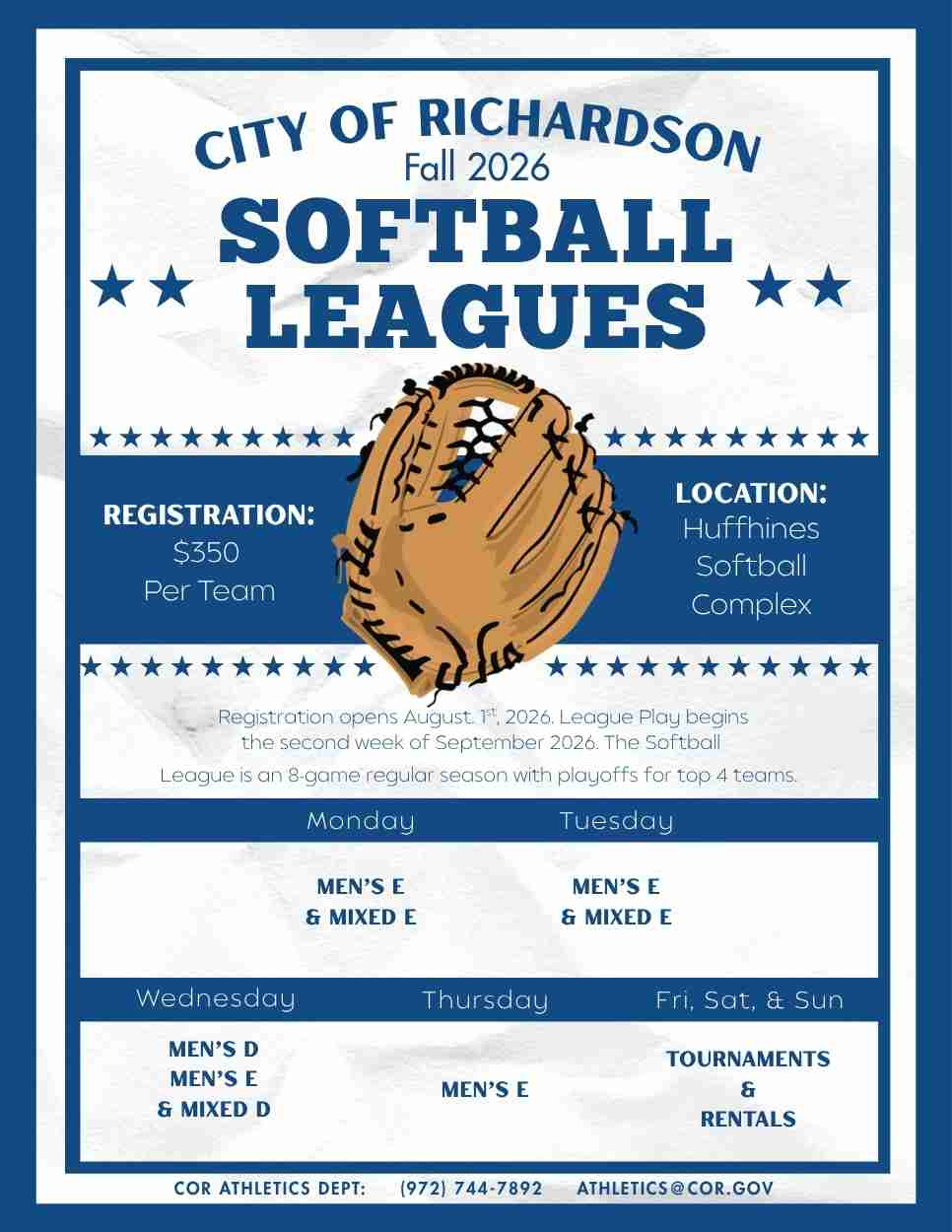
Image resized to 500 x 647
Original size: 966 x 1250
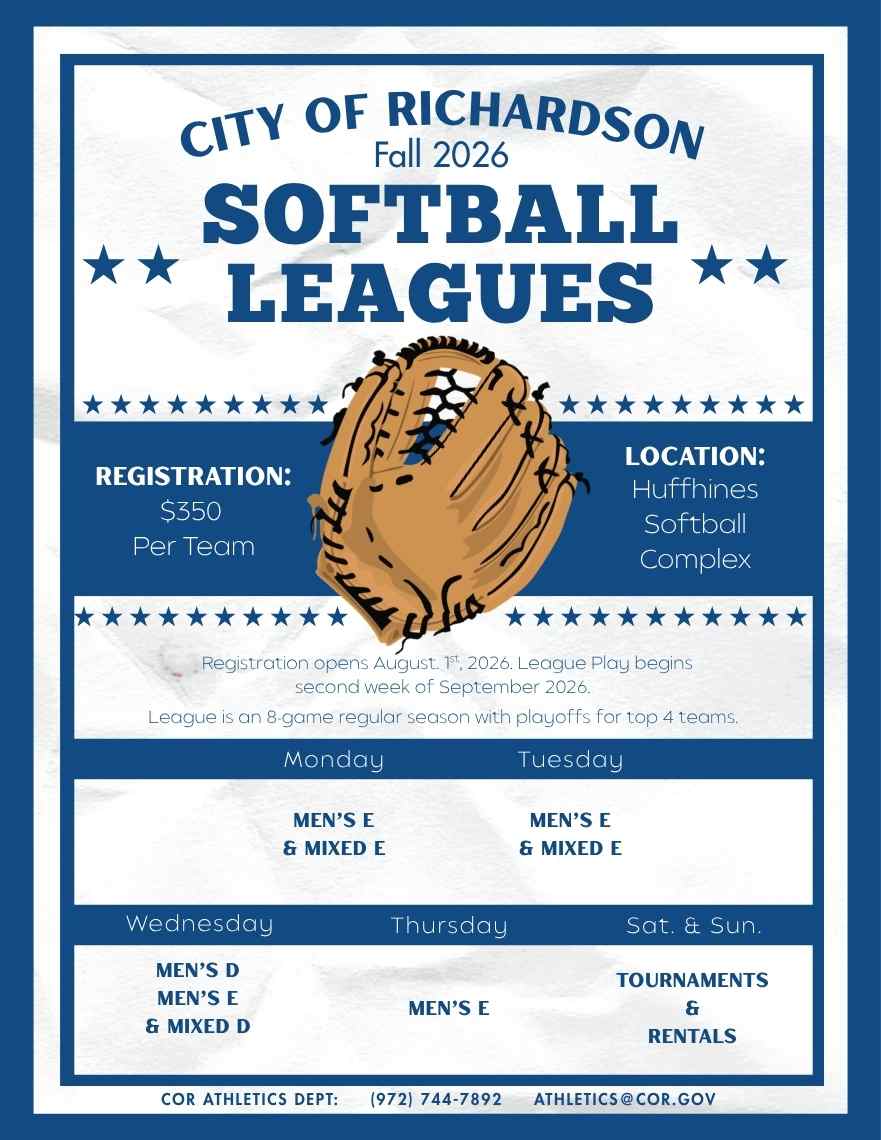
Image resized to 500 x 647
Original size: 881 x 1140

Image resized to 500 x 646
Original size: 618 x 799
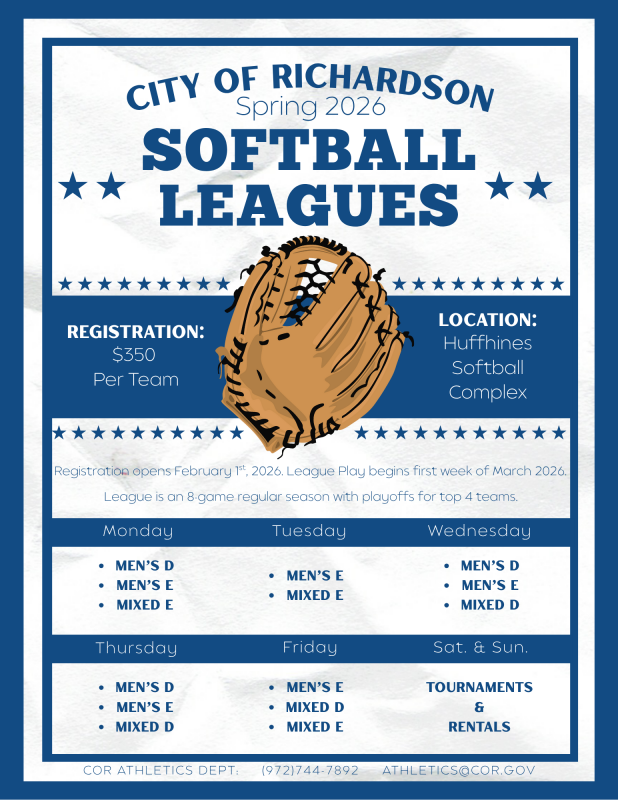
Image resized to 500 x 647
Original size: 618 x 800

Image resized to 500 x 647
Original size: 1236 x 1600

Image resized to 500 x 649
Original size: 1232 x 1600
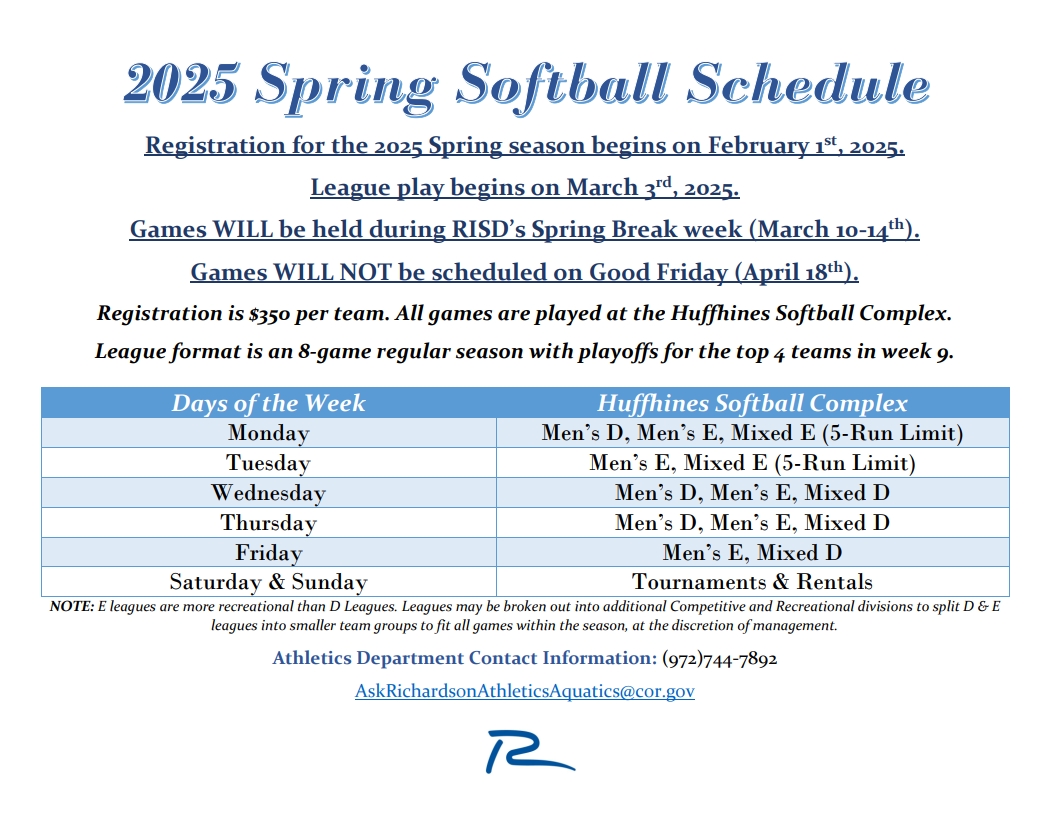
Image resized to 500 x 387
Original size: 1051 x 813
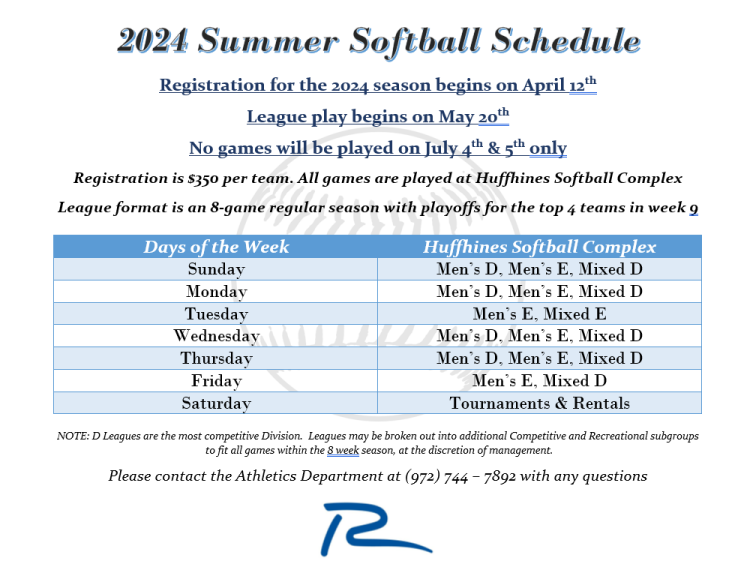
Image resized to 500 x 381
Original size: 756 x 576
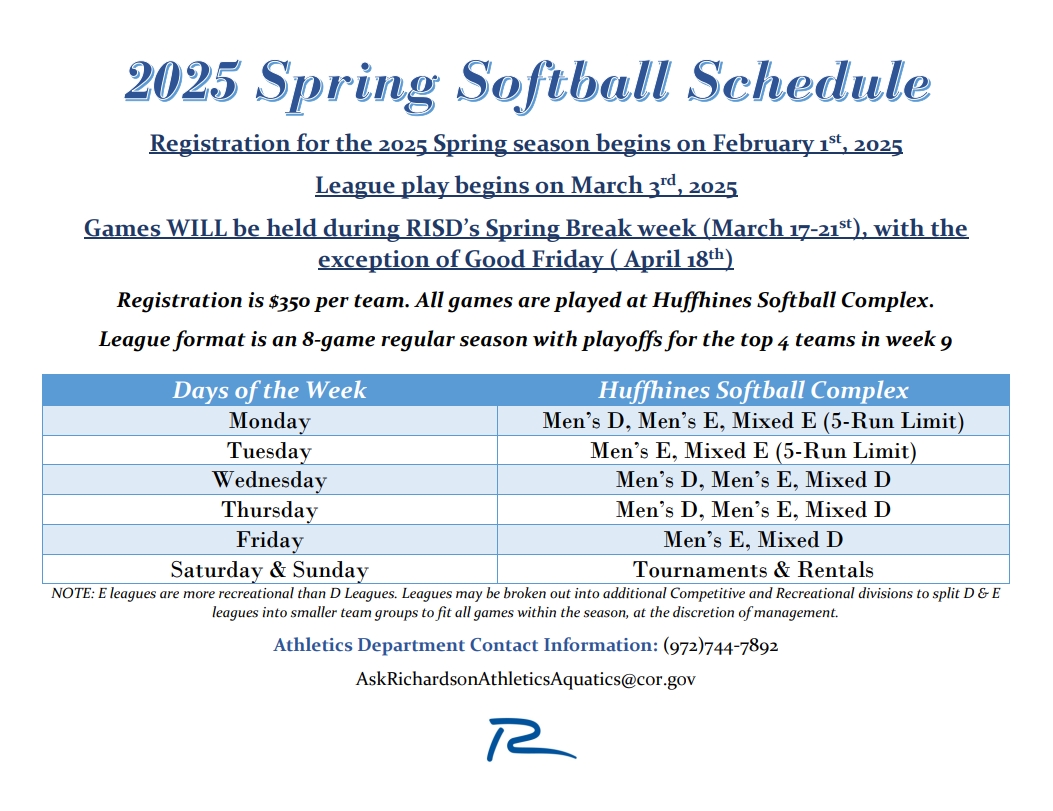
Image resized to 500 x 385
Original size: 1053 x 811

Image resized to 500 x 385
Original size: 1048 x 808

Image resized to 500 x 647
Original size: 1236 x 1600


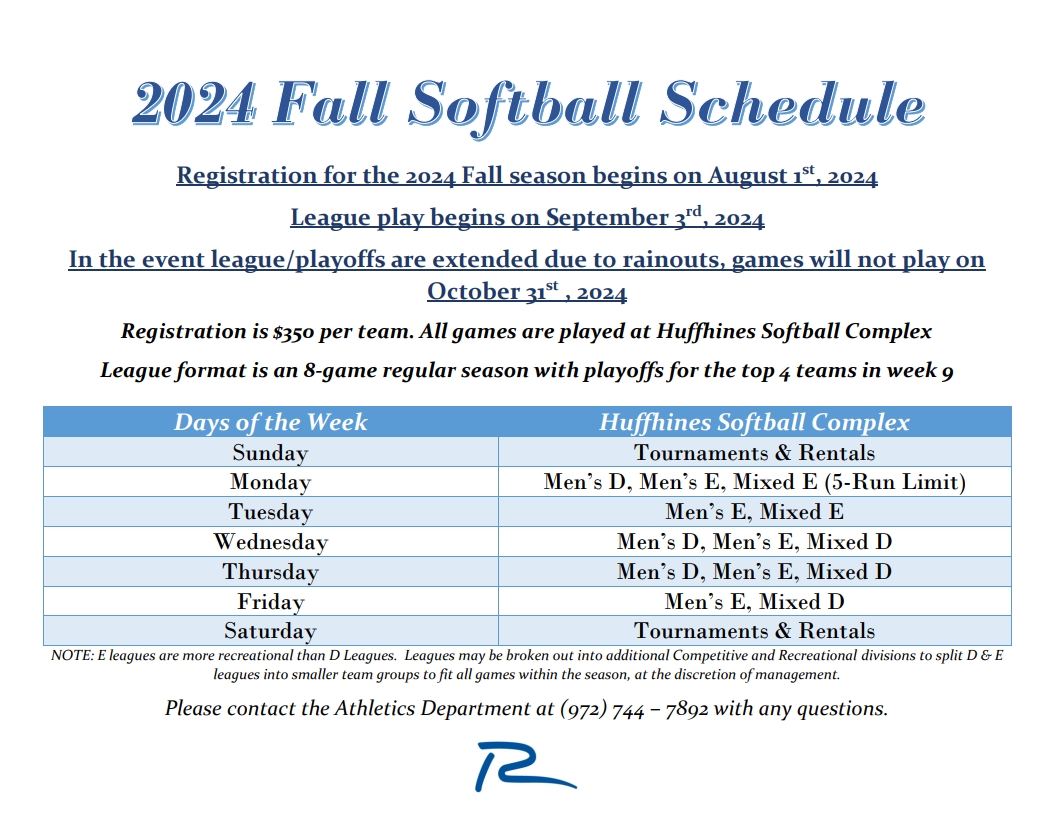
Image resized to 500 x 385
Original size: 1055 x 813

Image resized to 500 x 372
Original size: 682 x 507

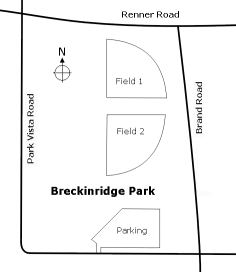

Your current header logo
Graphics from your Downloads page
SB Flyer Fall 2026_sm
Image resized to 500 x 647
Original size: 966 x 1250
SB Flyer Fall 2026_sm2
Image resized to 500 x 647
Original size: 881 x 1140
26 Summer Softball Offerings
Image resized to 500 x 646
Original size: 618 x 799
Spring 2026 SB Flyer (image)
Image resized to 500 x 647
Original size: 618 x 800
2025 Fall Schedule
Image resized to 500 x 647
Original size: 1236 x 1600
2025 Fall League Offerings
Image resized to 500 x 649
Original size: 1232 x 1600
2025 Spring League Offerings (png)
Image resized to 500 x 387
Original size: 1051 x 813
2024 Summer Softball Offerings
Image resized to 500 x 381
Original size: 756 x 576
2025 Spring Softball Offerings (jpeg)
Image resized to 500 x 385
Original size: 1053 x 811
2025 Spring Softball Offerings (png)
Image resized to 500 x 385
Original size: 1048 x 808
2025 Summer Schedule
Image resized to 500 x 647
Original size: 1236 x 1600
Chris Sig
2024 Fall Softball Schedule (jpeg)
2024 Fall Softball Offerings (jpeg)
Image resized to 500 x 385
Original size: 1055 x 813
Spring 2024 Softball Offerings
Image resized to 500 x 372
Original size: 682 x 507
Huffhines Park
Breckinridge field layout
Huffhines field layout
Web address
There are two options for the web address displayed at the top of the printer-friendly schedule -
either the address of your home page on the QuickScores website or your organization's home page.
A drop-down box in the Schedule Header Customization section allows you to select one or the other.
The Schedule Header Customization fields on the Event Options page are used to change the appearance of just that one event and overrides the settings defined on the Setup page.
The Schedule Header Customization fields on the Event Options page are used to change the appearance of just that one event and overrides the settings defined on the Setup page.