


Schedule Headers With No Customization
The following two screenshots show the appearance of the color and printer-friendly schedules
without any customization. A standard schedule page header contains the event's name, sport and season


Schedule Headers With Added Text Line
Sports organizations often have a hotline phone number which a player or coach can call to hear a
recorded message about field conditions. Organizations also sometimes have mottos that they would
like to have prominently displayed. The "Text" field of the Schedule Header Customization section
allows up to 100 characters to be displayed at the top of the both the color and the black & white
printer-friendly versions of the schedules. For example, if the text "Rainout info: 214-450-3079"
is entered in the Text field, the schedule headers will look as follows:


Schedule Headers With Added Graphics
In addition to the line of text, the schedule headers can be customized by adding a graphic at the top.
The Schedule Header Customization section has a drop-down box that allows selection of one of several
standard graphics. The "My Logo" selection uses the organization's logo that appears in the dark blue
section at the top of all colored pages. With the exception of "My Logo", any graphic selected will appear
at the top of both the colored and printer-friendly black & white schedules. The "My Logo" graphic will
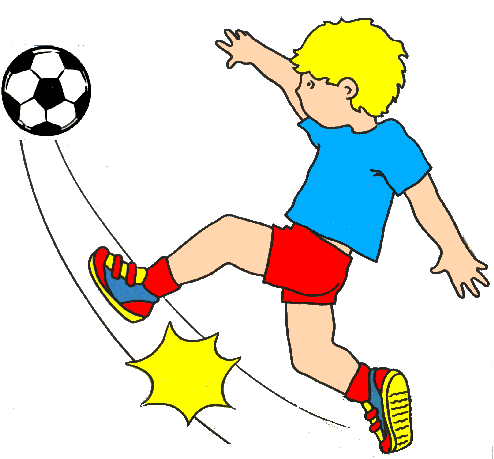
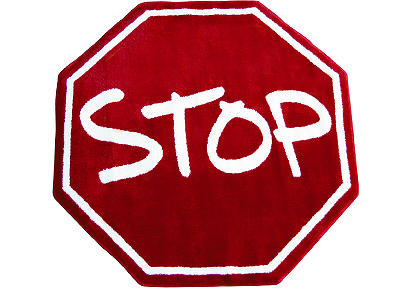
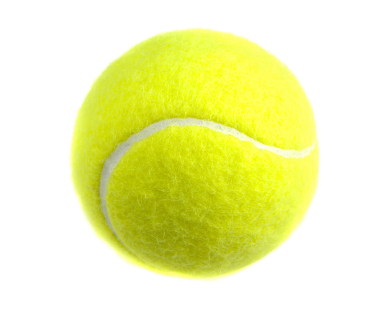
only appear on the printer-friendly schedule. The following table shows the various graphics that can be
added to the schedule header.

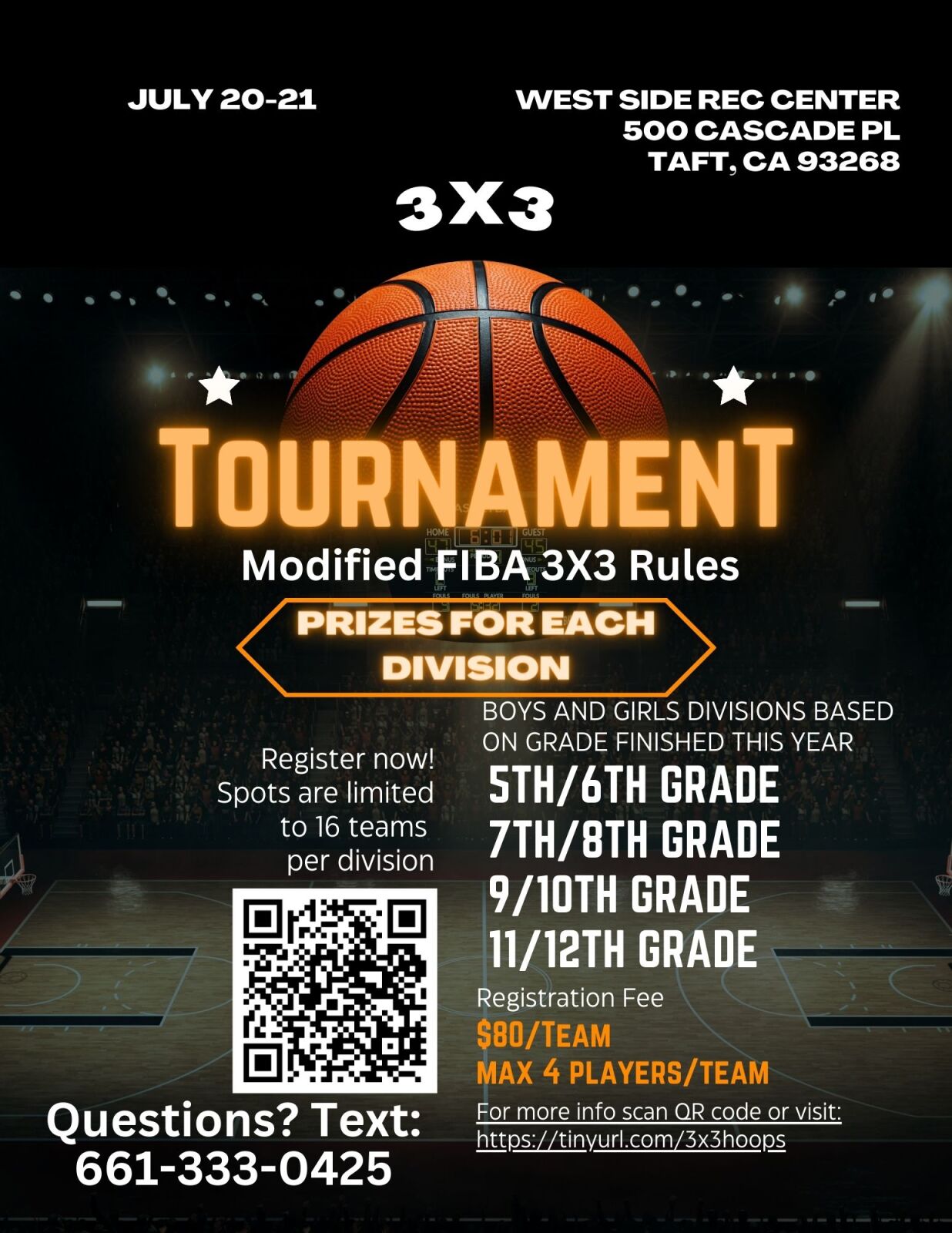
Image resized to 500 x 647
Original size: 1236 x 1600
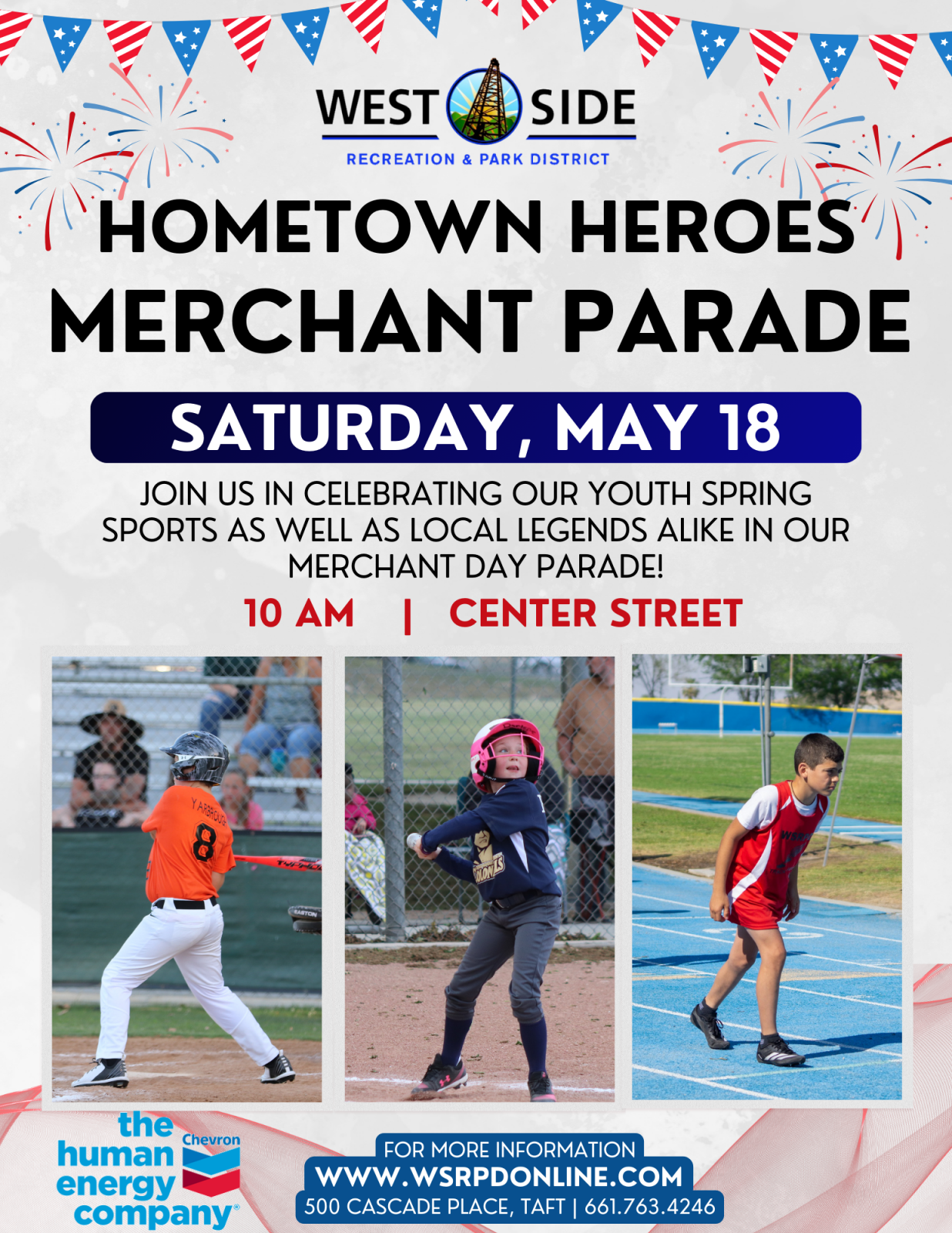
Image resized to 500 x 647
Original size: 1236 x 1600
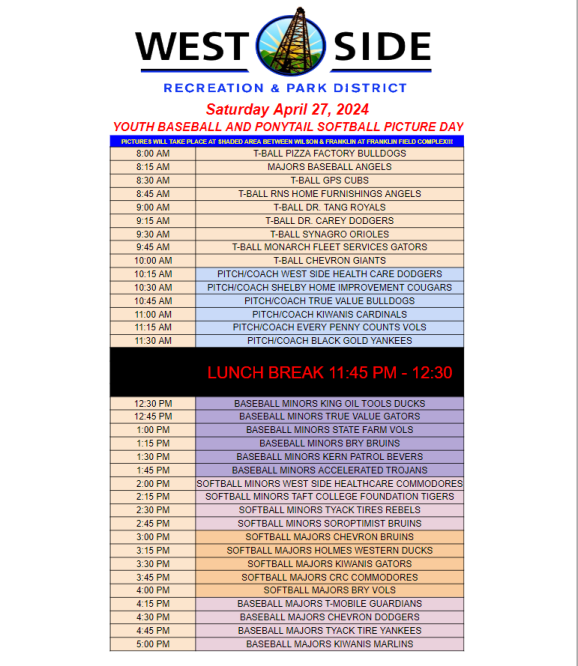
Image resized to 500 x 576
Original size: 578 x 666



Image resized to 500 x 171
Original size: 800 x 274

Image resized to 500 x 256
Original size: 600 x 307
Image resized to 500 x 331
Original size: 900 x 595

Image resized to 500 x 216
Original size: 512 x 221

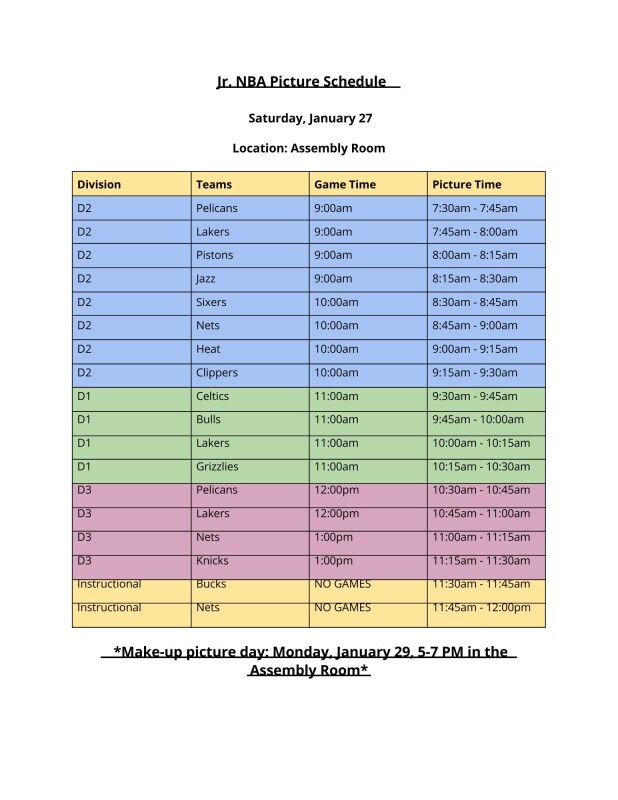
Image resized to 500 x 647
Original size: 618 x 800

Image resized to 500 x 647
Original size: 927 x 1200

Image resized to 500 x 647
Original size: 618 x 800
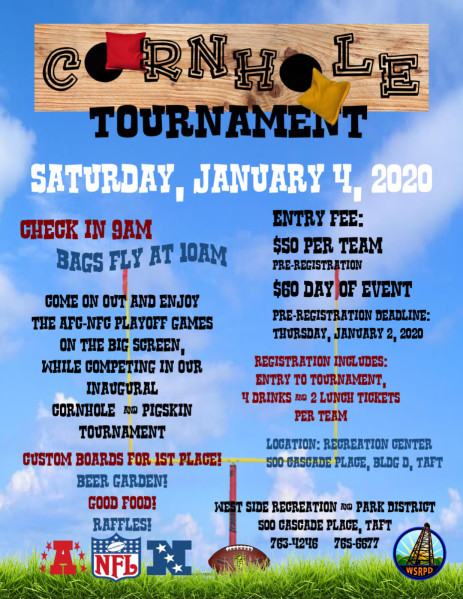



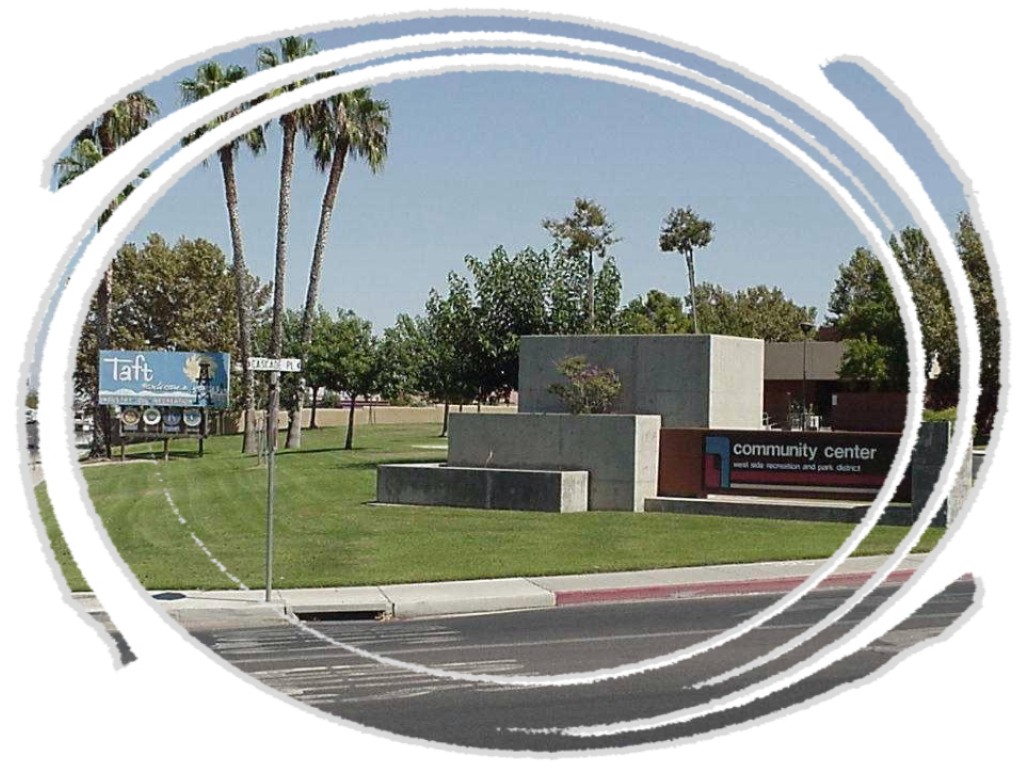
Image resized to 500 x 375
Original size: 1024 x 768










Your current header logo
Graphics from your Downloads page
3x3 basketball
Image resized to 500 x 647
Original size: 1236 x 1600
Merchant Parade Flyer
Image resized to 500 x 647
Original size: 1236 x 1600
Baseball Picture day 2
Image resized to 500 x 576
Original size: 578 x 666
Baseball_and_Softball_Logos.png
wildcatters
nfl flag football
Image resized to 500 x 171
Original size: 800 x 274
jr nba logo
Image resized to 500 x 256
Original size: 600 x 307
PLAY_BALL_LOGO.jpg
Image resized to 500 x 331
Original size: 900 x 595
Cal Ripken Logo
Image resized to 500 x 216
Original size: 512 x 221
Babe Ruth Logo
Jr. NBA Picture Day
Image resized to 500 x 647
Original size: 618 x 800
ValleyFever1
Image resized to 500 x 647
Original size: 927 x 1200
ValleyFeverAwareness.jpg
Image resized to 500 x 647
Original size: 618 x 800
Cornhole Flyer
Dylan.JPG
baseball.jpg
basketball.png
Cascade Corner 3.jpg
Image resized to 500 x 375
Original size: 1024 x 768
coed softball.gif
kickball.gif
red-kickball-2.jpg
Skateboard_01.gif
SOCCER%209.gif
softballlogo.jpg
Stock-Soccer-Ball.jpg
Stop Sign
summer01.gif
SummerSun.gif
tennis.gif
tennis_ball-1019.jpg
wsrpd_coed_softball.png
youth basketball.jpg
Web address
There are two options for the web address displayed at the top of the printer-friendly schedule -
either the address of your home page on the QuickScores website or your organization's home page.
A drop-down box in the Schedule Header Customization section allows you to select one or the other.
The Schedule Header Customization fields on the Event Options page are used to change the appearance of just that one event and overrides the settings defined on the Setup page.
The Schedule Header Customization fields on the Event Options page are used to change the appearance of just that one event and overrides the settings defined on the Setup page.