

Schedule Headers With No Customization
The following two screenshots show the appearance of the color and printer-friendly schedules
without any customization. A standard schedule page header contains the event's name, sport and season


Schedule Headers With Added Text Line
Sports organizations often have a hotline phone number which a player or coach can call to hear a
recorded message about field conditions. Organizations also sometimes have mottos that they would
like to have prominently displayed. The "Text" field of the Schedule Header Customization section
allows up to 100 characters to be displayed at the top of the both the color and the black & white
printer-friendly versions of the schedules. For example, if the text "Rainout info: 214-450-3079"
is entered in the Text field, the schedule headers will look as follows:


Schedule Headers With Added Graphics
In addition to the line of text, the schedule headers can be customized by adding a graphic at the top.
The Schedule Header Customization section has a drop-down box that allows selection of one of several
standard graphics. The "My Logo" selection uses the organization's logo that appears in the dark blue
section at the top of all colored pages. With the exception of "My Logo", any graphic selected will appear
at the top of both the colored and printer-friendly black & white schedules. The "My Logo" graphic will
only appear on the printer-friendly schedule. The following table shows the various graphics that can be
added to the schedule header.

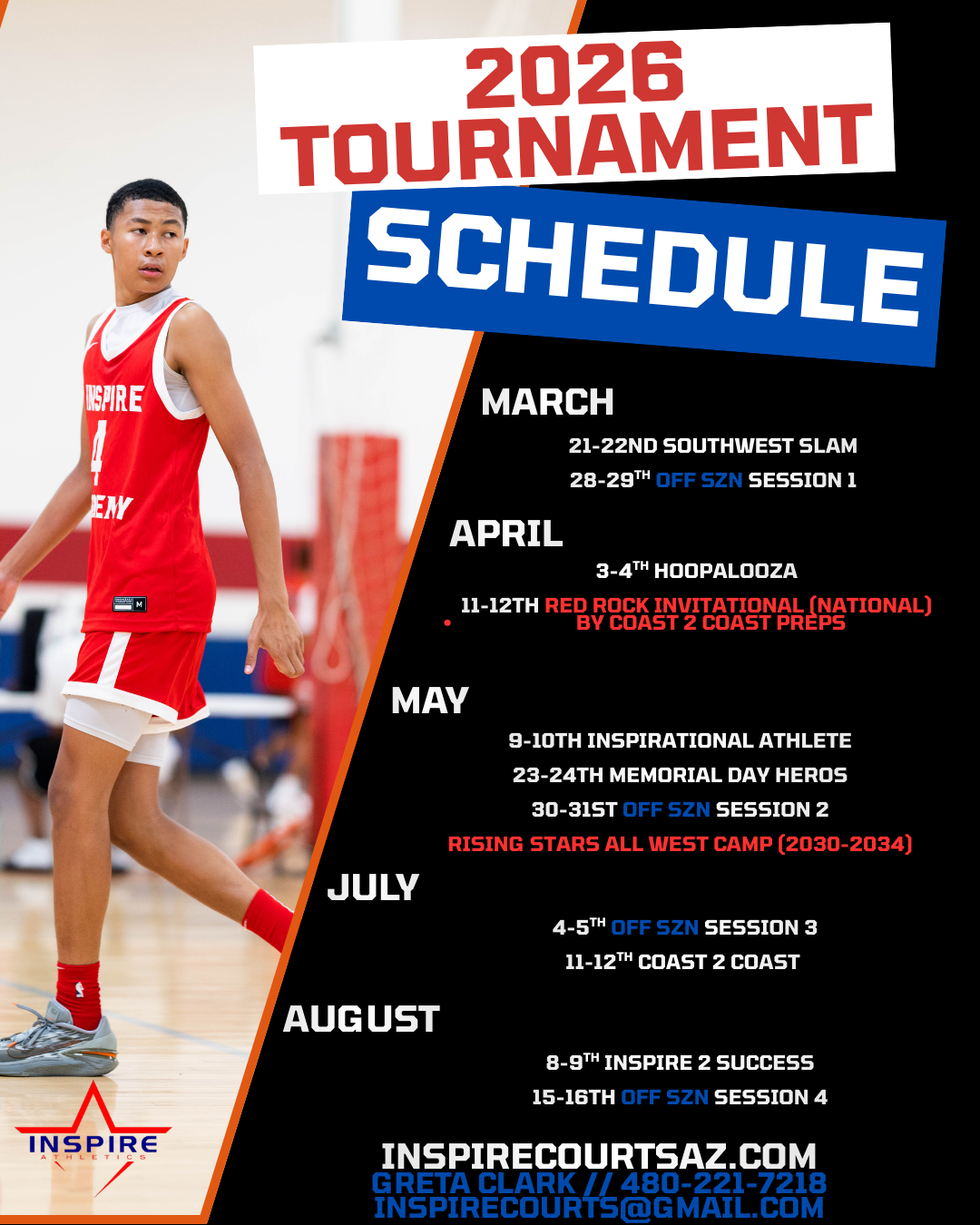
Image resized to 500 x 625
Original size: 1080 x 1350

Image resized to 500 x 647
Original size: 695 x 900

Image resized to 500 x 647
Original size: 1236 x 1600
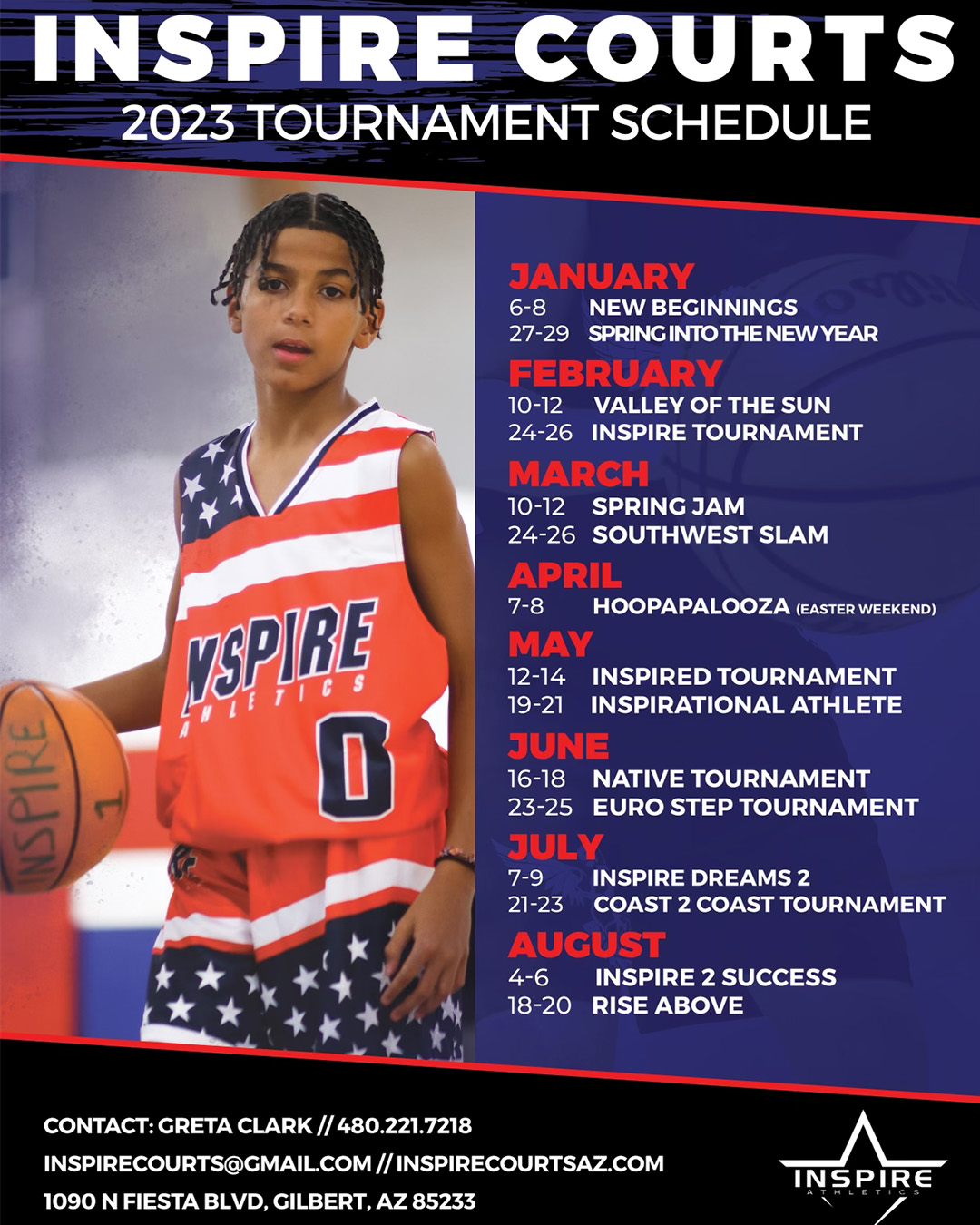
Image resized to 500 x 625
Original size: 1080 x 1350

Image resized to 500 x 647
Original size: 927 x 1200
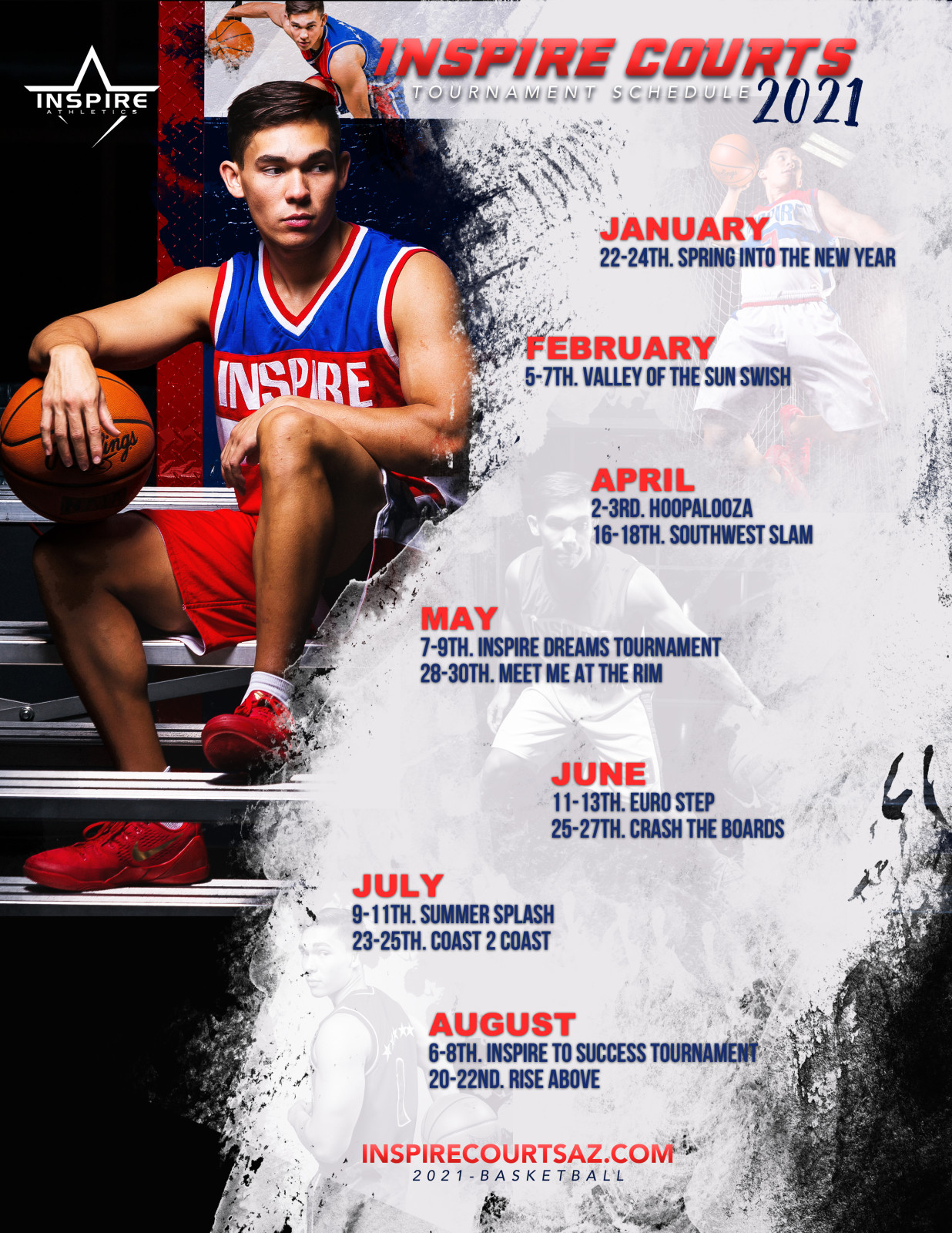
Image resized to 500 x 647
Original size: 1236 x 1600
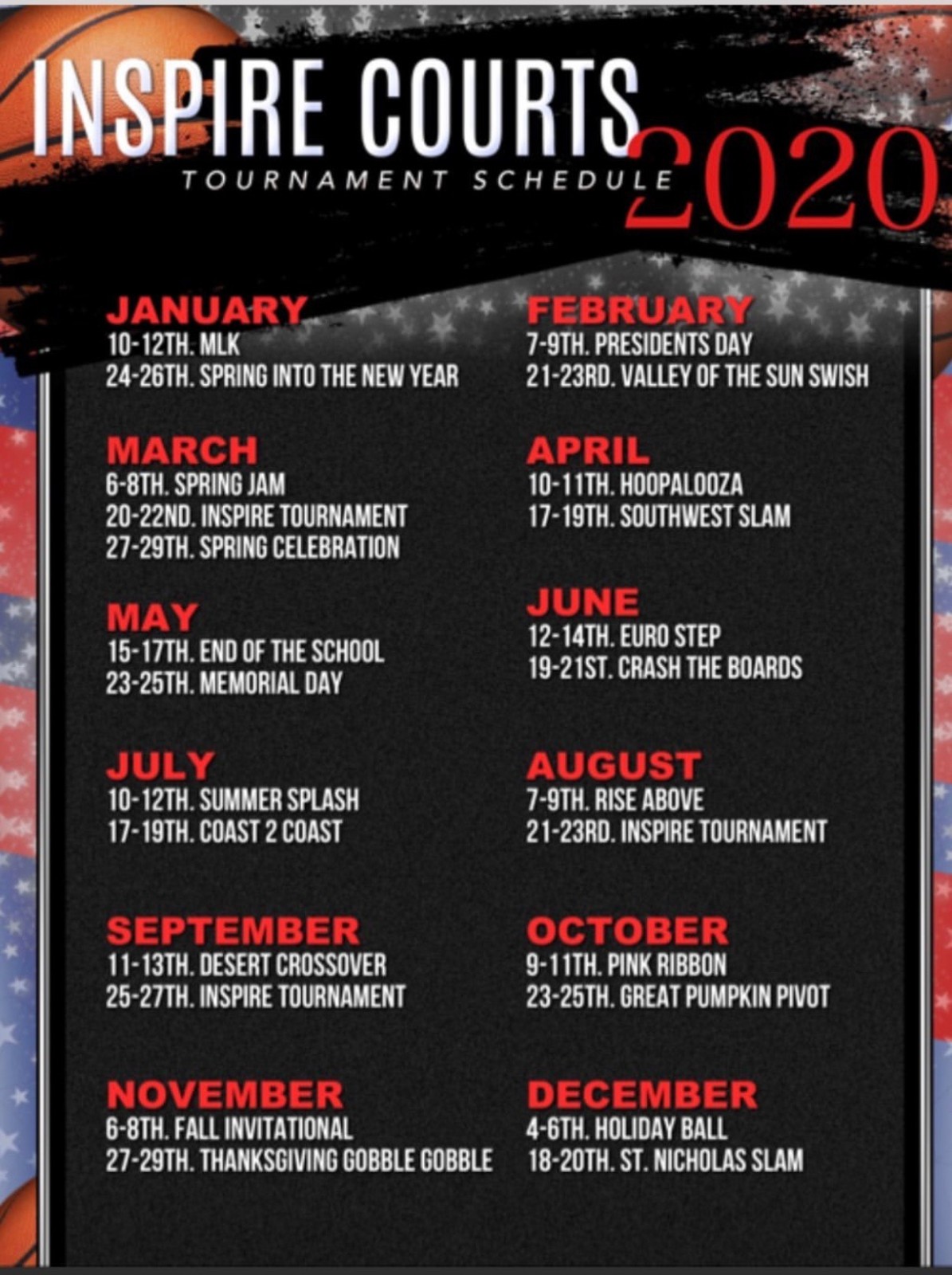
Image resized to 500 x 669
Original size: 1195 x 1600
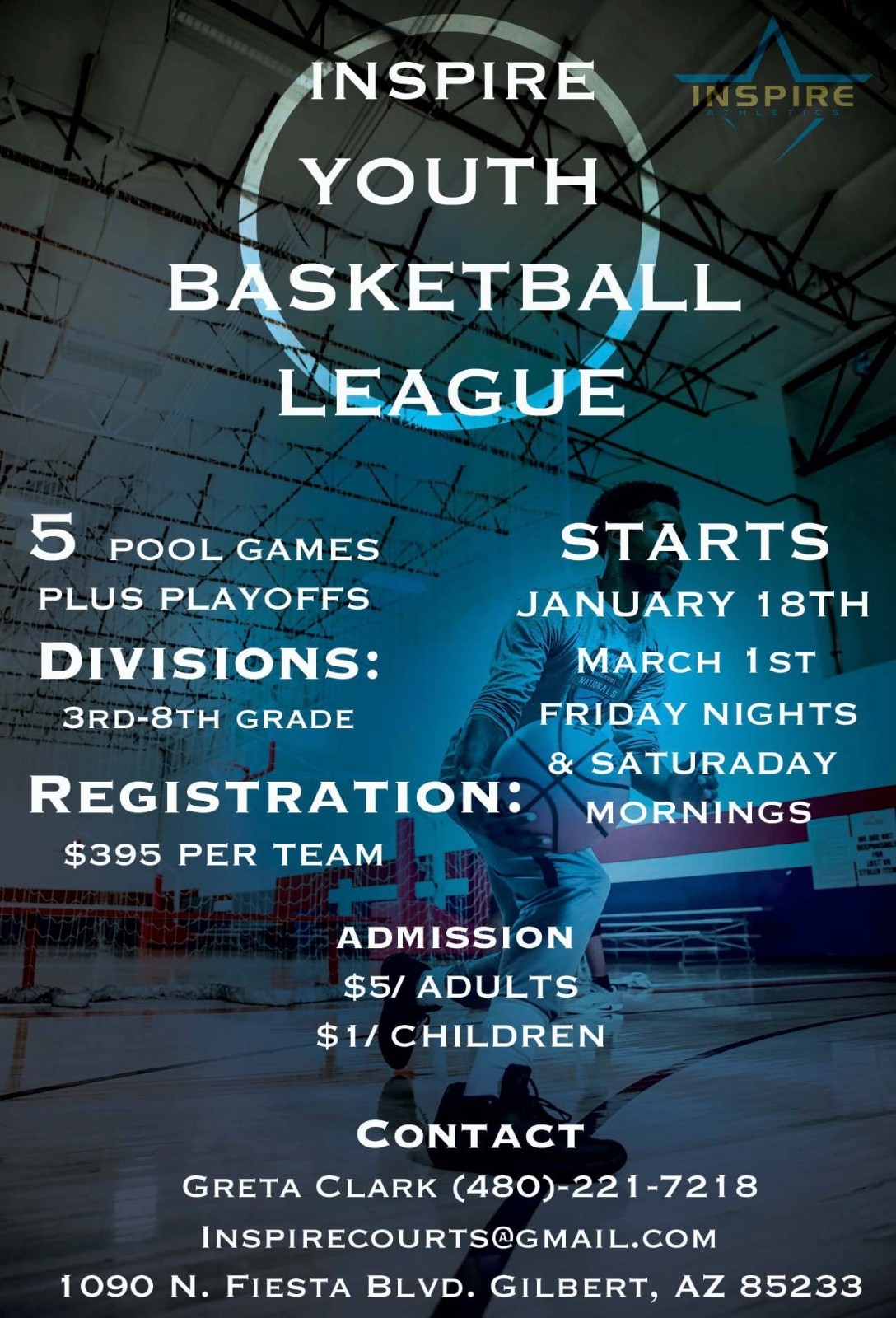
Image resized to 500 x 735
Original size: 1088 x 1600

Image resized to 500 x 323
Original size: 1200 x 776
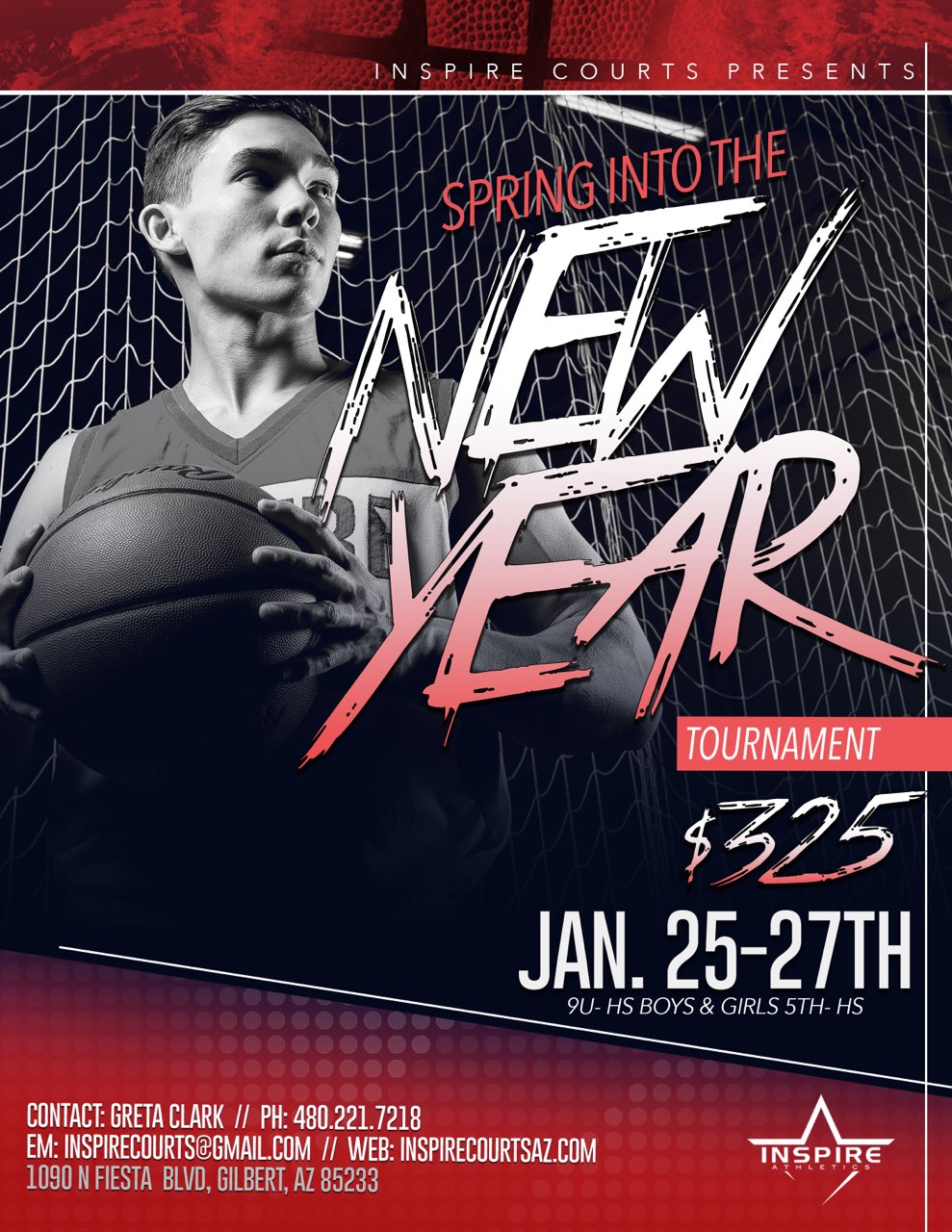
Image resized to 500 x 647
Original size: 989 x 1280

Image resized to 500 x 647
Original size: 1236 x 1600
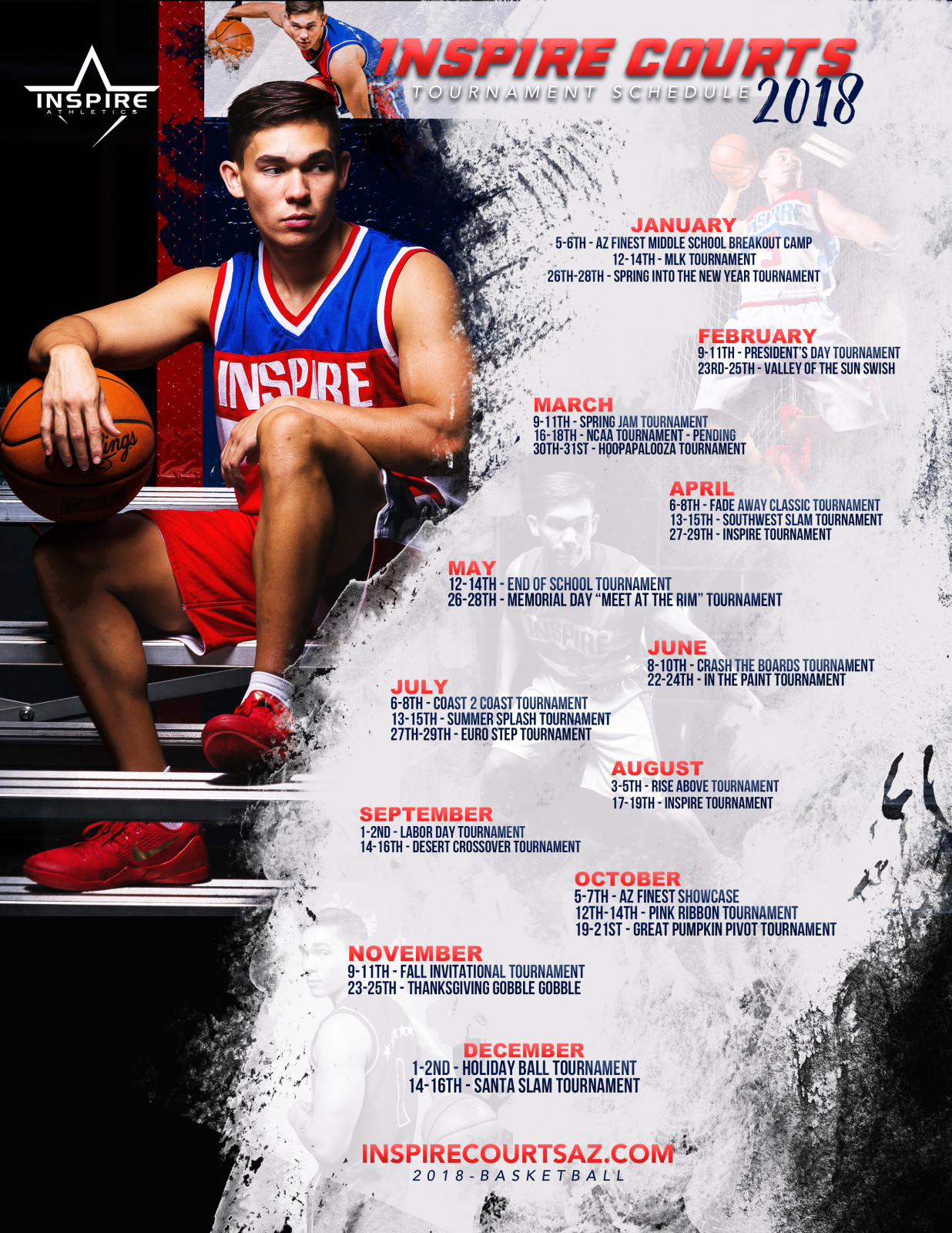
Image resized to 500 x 647
Original size: 1236 x 1600
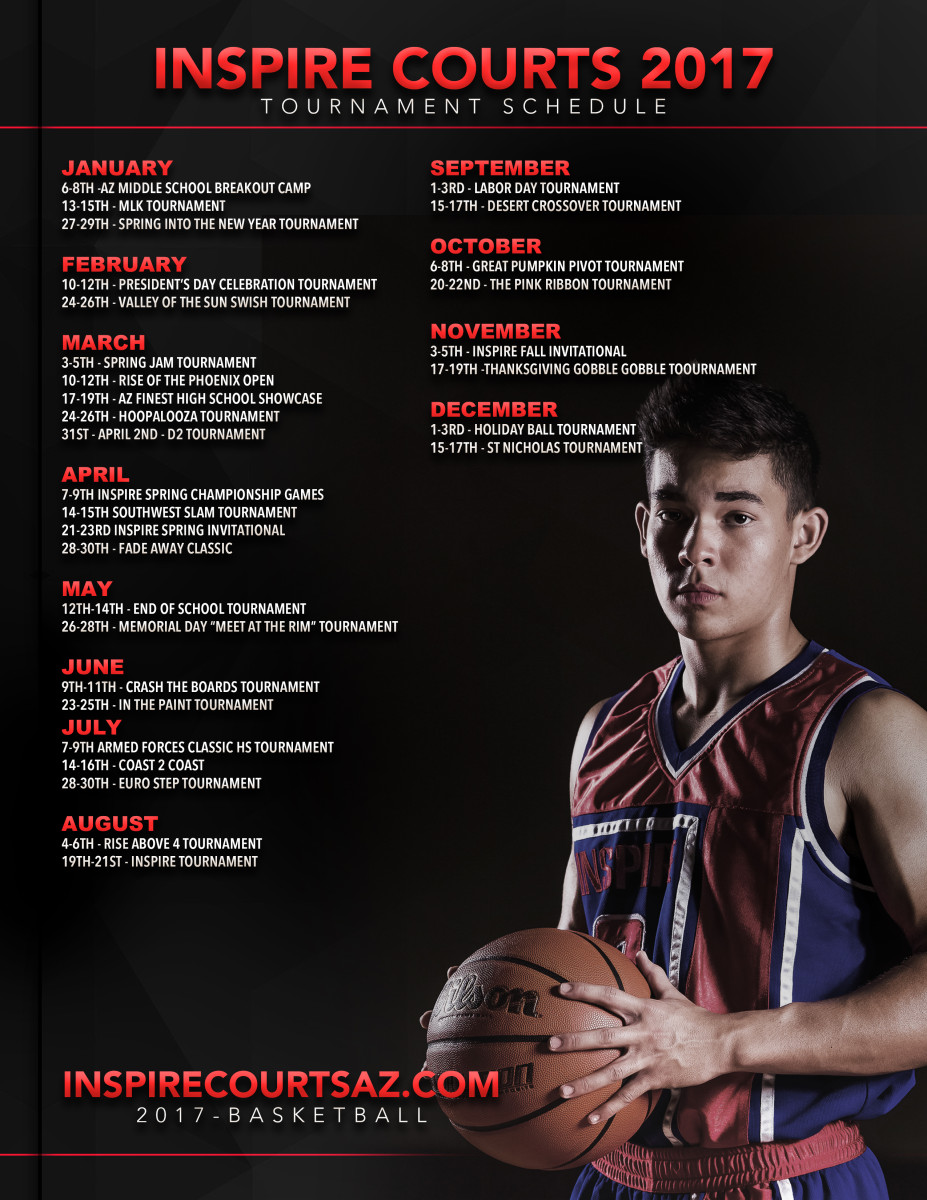
Image resized to 500 x 647
Original size: 927 x 1200
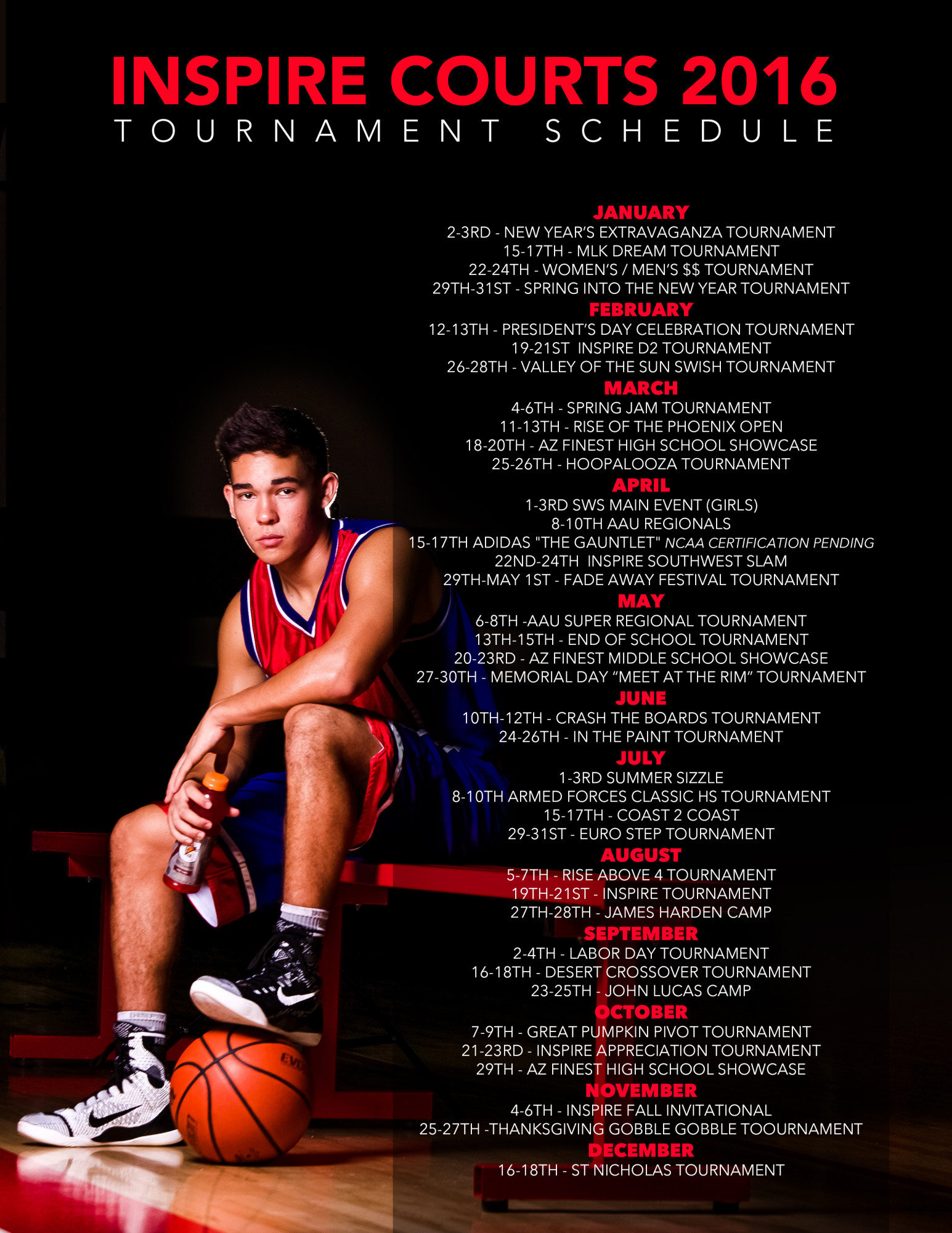
Image resized to 500 x 647
Original size: 1545 x 2000
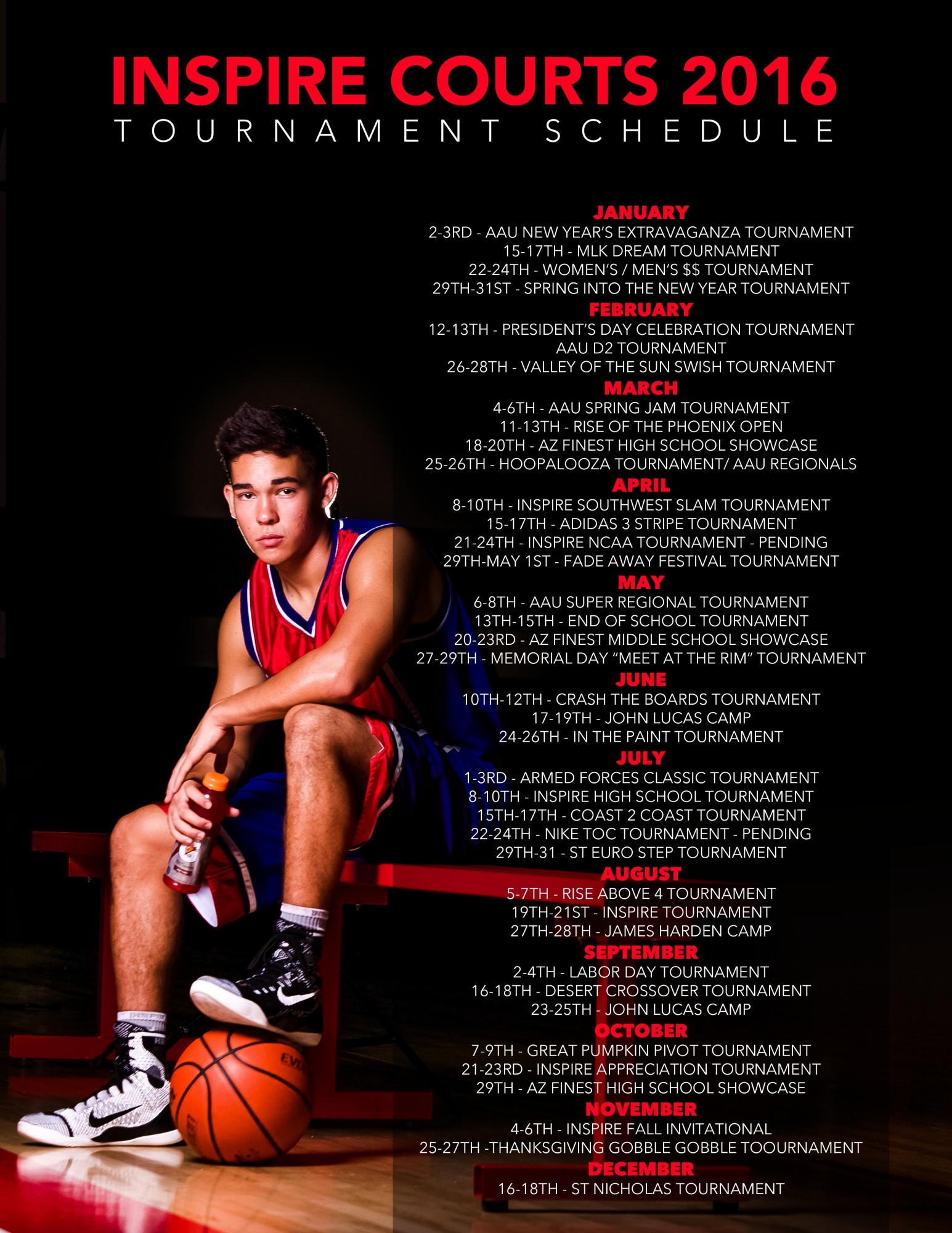
Image resized to 500 x 647
Original size: 1545 x 2000

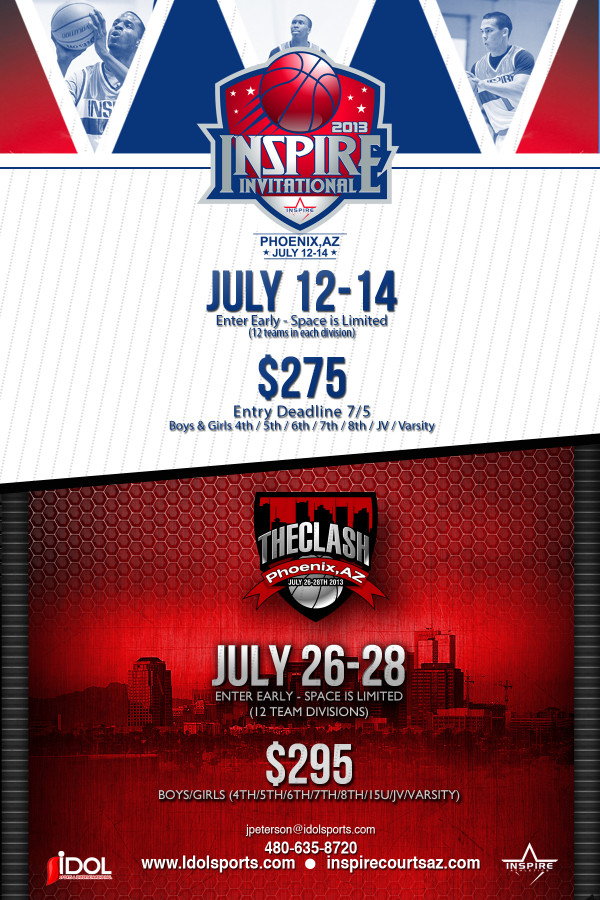
Image resized to 500 x 750
Original size: 600 x 900

Image resized to 500 x 688
Original size: 600 x 825


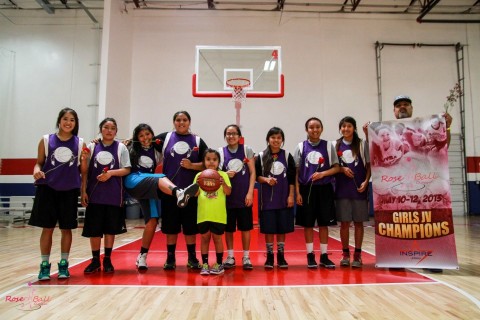
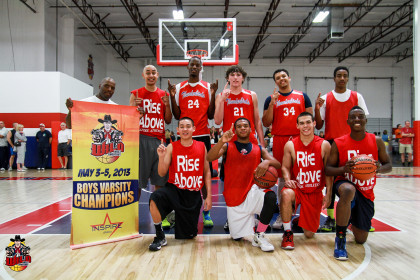

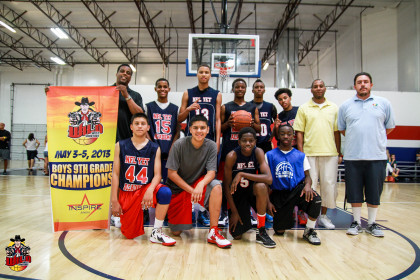
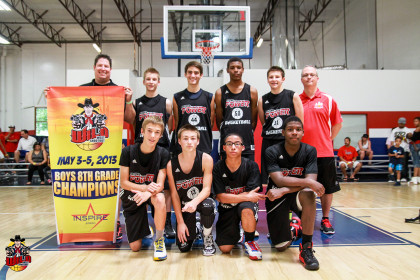
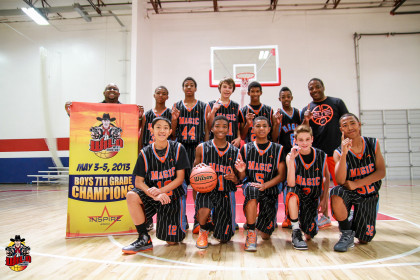
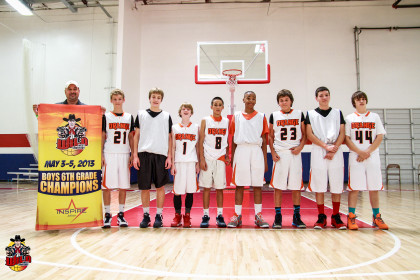




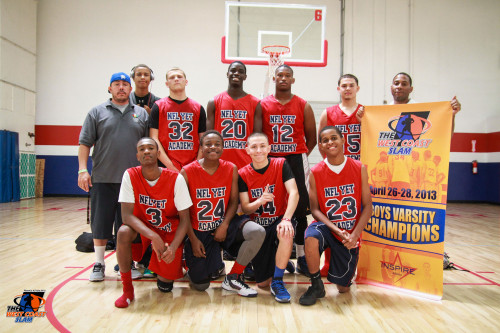


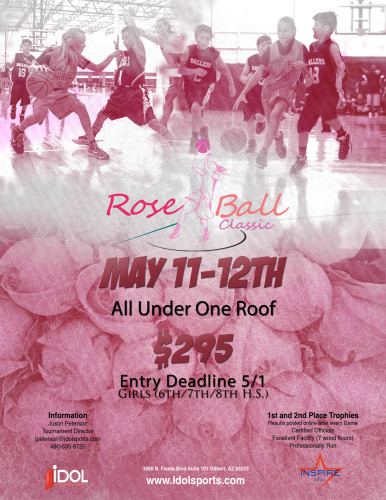


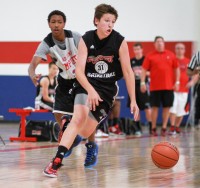
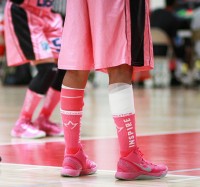


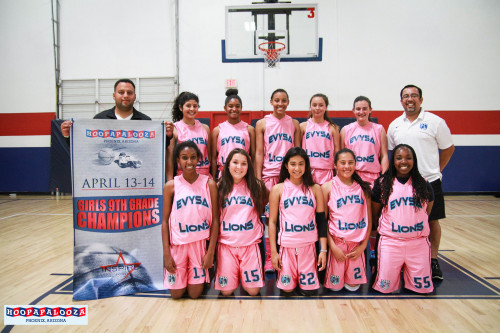








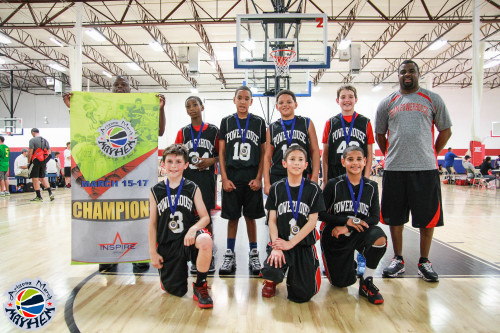
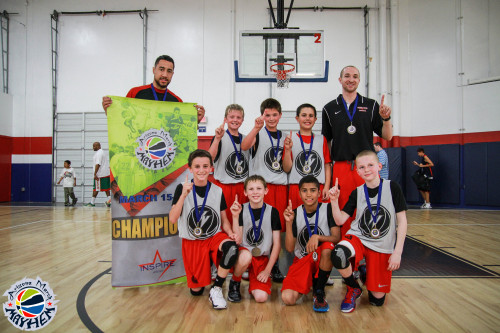


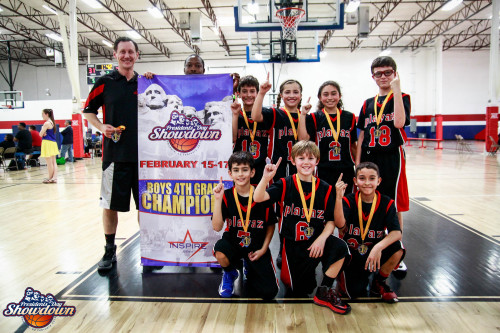


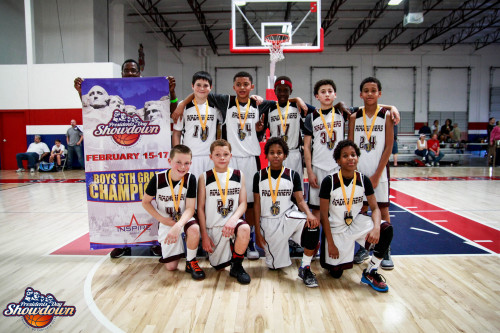




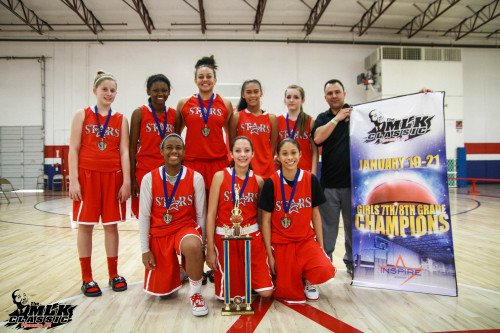


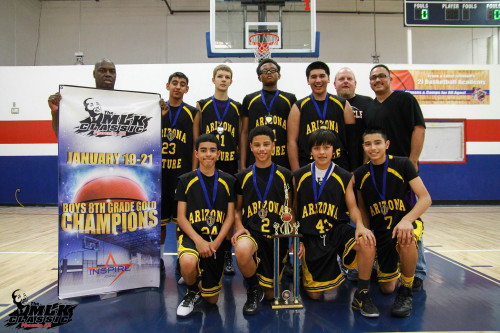
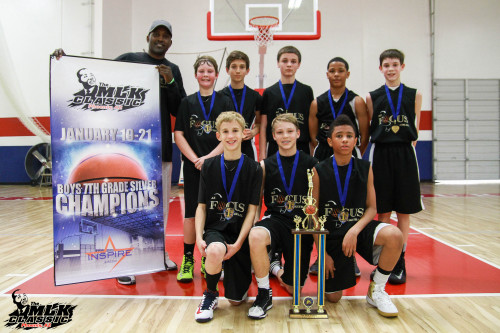
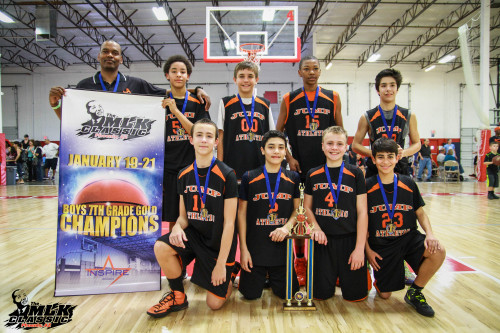


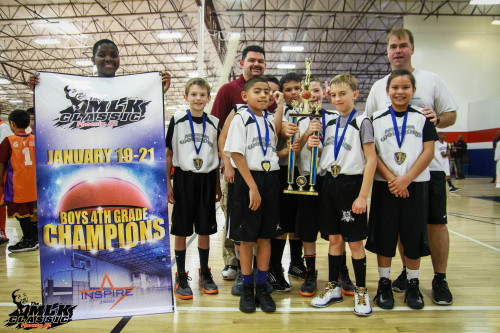
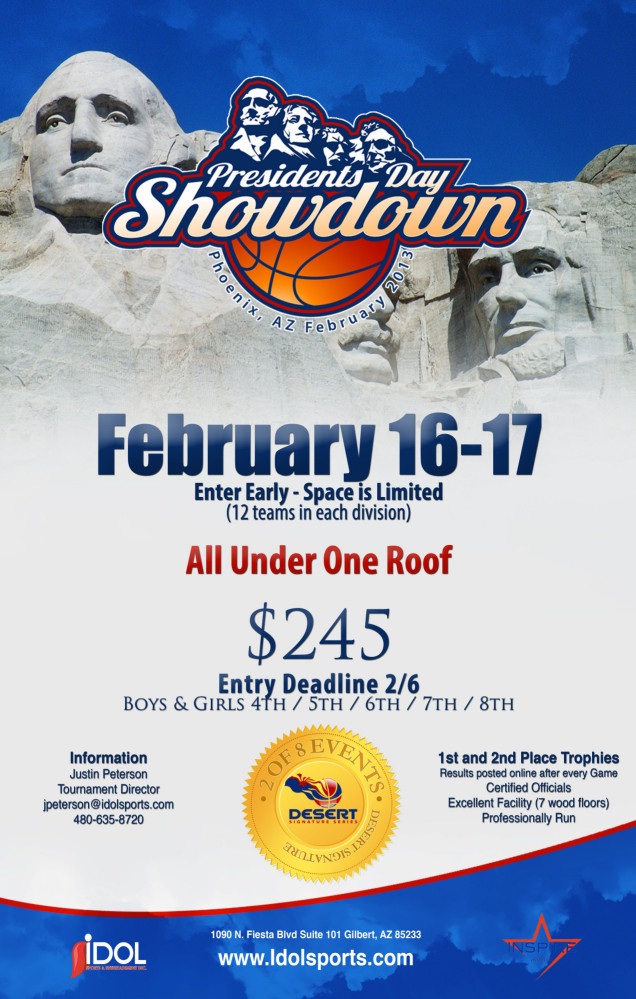
Image resized to 500 x 785
Original size: 636 x 999

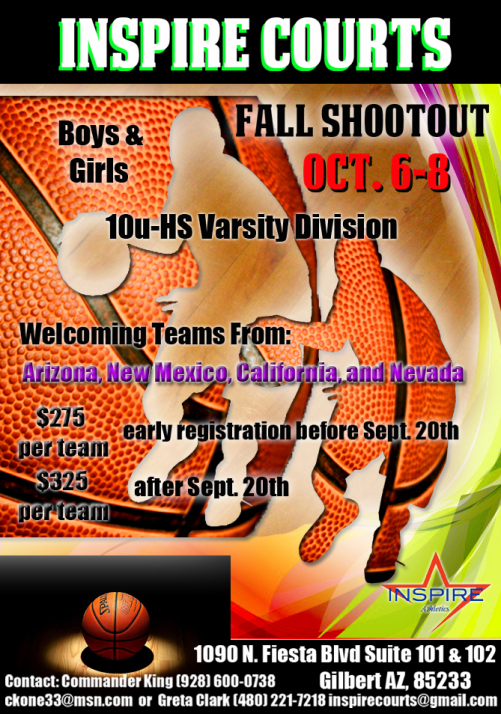
Image resized to 500 x 713
Original size: 501 x 714
Your current header logo
Graphics from your Downloads page
2026
Image resized to 500 x 625
Original size: 1080 x 1350
InspireTournaments2024pt2r0.jpg
Image resized to 500 x 647
Original size: 695 x 900
Tournaments 2025
Image resized to 500 x 647
Original size: 1236 x 1600
2023 jpg
Image resized to 500 x 625
Original size: 1080 x 1350
2022 schedule 1
Image resized to 500 x 647
Original size: 927 x 1200
Schedule 2021
Image resized to 500 x 647
Original size: 1236 x 1600
actual 2020
Image resized to 500 x 669
Original size: 1195 x 1600
League
Image resized to 500 x 735
Original size: 1088 x 1600
inspire-2019-poster.JPG
Image resized to 500 x 323
Original size: 1200 x 776
spring into new year 2019
Image resized to 500 x 647
Original size: 989 x 1280
2018 schedule 2
Image resized to 500 x 647
Original size: 1236 x 1600
2018 Schedule 3
Image resized to 500 x 647
Original size: 1236 x 1600
2017 schedule
Image resized to 500 x 647
Original size: 927 x 1200
new 2016 schedule
Image resized to 500 x 647
Original size: 1545 x 2000
2016 schedule .jpg
Image resized to 500 x 647
Original size: 1545 x 2000
Team.jpg
AZ Hype 1.jpg
El Paso Hurricanes.jpg
No Limit Basketball.jpg
Inspire Invitational
Image resized to 500 x 750
Original size: 600 x 900
Memorial Day Madness
Image resized to 500 x 688
Original size: 600 x 825
Jump 7th
Jumpa
Jumpa
JumpAthletic Varsity
Angies Squad
Varsity Champions
JV Champions
9th Champions
8th Champions
7th Champions
6th Champions
4th Champions
Rose Ball Logo
The West Coast Slam - Team Inspire
The West Coast Slam - Ballers Select
The West Coast Slam - Heat Elite
Boys JV Champions
Boys Varsity Champions
Boys 4th/5th Champions
Boys 8th Champions
Boys 7th Champions
Rose Ball Classic
Wild West Flyer
Hoopapalooza action photo
AZ Power
Inspire Socks
The West Coast Slam update
Hoopapalooza Varsity Girls
Hoopapalooza JV Girls
Hoopapalooza 9th Girls
Hoopapalooza Varsity Boys
Hoopapalooza JV
Hoopapalooza 9th Boys
Hoopapalooza 8th Boys
West Coast Slam
Lady Aces
True Ballerz
ACES JV
Powerhouse
Team Phoenix
AZ Stars Empire
JumpAthletic
cLUB 2
aces 6TH
Easter Flyer update
Hoopapalooza
Boys Varsity Champions
Boys JV Champions
Boys 9th Champions
Boys 8th Gold Champions
Boys 8th Silver Champions
Boys 7th Champions
Boys 6th Champions
Boys 5th Champions
Boys 4th Champions
Phoenix Spring Fling
March Mayhem update flyer
Roadrunners 7th Champions
AZ Playaz 5th Champions
AZ Rebels 7th/8th Champions
POWER House 5th Champions
Roadrunners 6th Champions
POWER House 8th Champions
Arizona March Mayham
The Presiden't Day Showdown update
The Presiden't Day Showdown new
Girls MLK 7th/8th Grade Champions
Girls MLK 5th/6th Grade Champions
Boys MLK 8th Silver Champions
Boys MLK 8th Gold Champions
Boys MLK 7th Grade Silver Champions
Boys MLK 7th Grade Gold Champions
Boys MLK 6th Grade Gold Champions
Boys MLK 6th Grade Silver Champions
Boys MLK 5th Place Champions
Boys MLK 4th Place Champions
Presidents Day
Image resized to 500 x 785
Original size: 636 x 999
Inspire Courts photo
The MLK Classic
OctTourneyFlyer.png
Image resized to 500 x 713
Original size: 501 x 714
Web address
There are two options for the web address displayed at the top of the printer-friendly schedule -
either the address of your home page on the QuickScores website or your organization's home page.
A drop-down box in the Schedule Header Customization section allows you to select one or the other.
The Schedule Header Customization fields on the Event Options page are used to change the appearance of just that one event and overrides the settings defined on the Setup page.
The Schedule Header Customization fields on the Event Options page are used to change the appearance of just that one event and overrides the settings defined on the Setup page.