


Schedule Headers With No Customization
The following two screenshots show the appearance of the color and printer-friendly schedules
without any customization. A standard schedule page header contains the event's name, sport and season


Schedule Headers With Added Text Line
Sports organizations often have a hotline phone number which a player or coach can call to hear a
recorded message about field conditions. Organizations also sometimes have mottos that they would
like to have prominently displayed. The "Text" field of the Schedule Header Customization section
allows up to 100 characters to be displayed at the top of the both the color and the black & white
printer-friendly versions of the schedules. For example, if the text "Rainout info: 214-450-3079"
is entered in the Text field, the schedule headers will look as follows:


Schedule Headers With Added Graphics
In addition to the line of text, the schedule headers can be customized by adding a graphic at the top.
The Schedule Header Customization section has a drop-down box that allows selection of one of several
standard graphics. The "My Logo" selection uses the organization's logo that appears in the dark blue
section at the top of all colored pages. With the exception of "My Logo", any graphic selected will appear
at the top of both the colored and printer-friendly black & white schedules. The "My Logo" graphic will
only appear on the printer-friendly schedule. The following table shows the various graphics that can be
added to the schedule header.


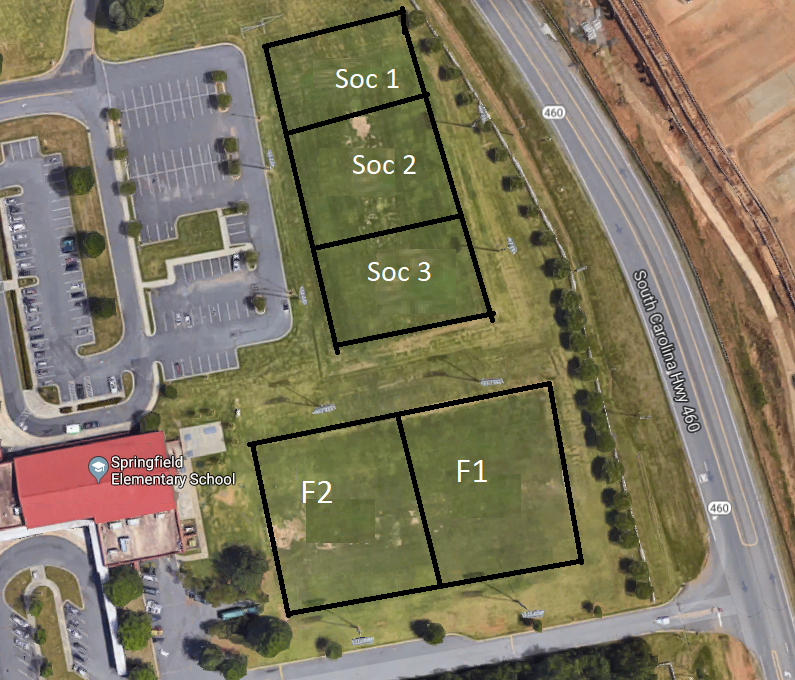
Image resized to 500 x 428
Original size: 795 x 680
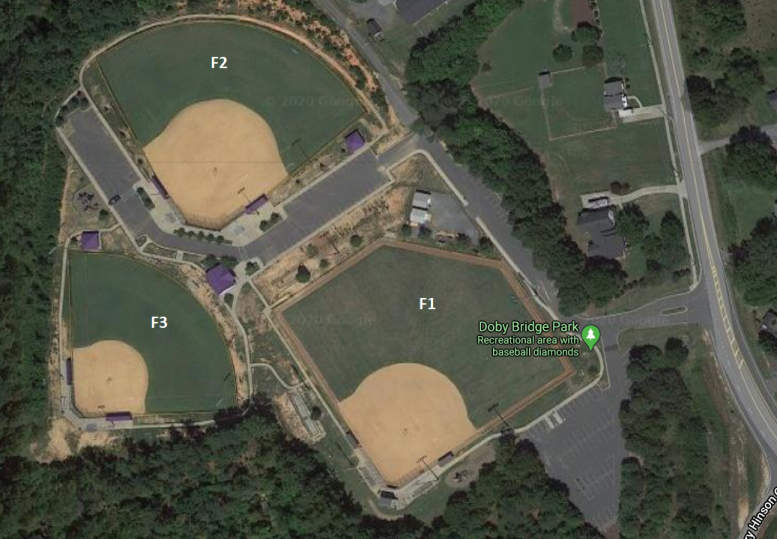
Image resized to 500 x 347
Original size: 777 x 539


Image resized to 500 x 361
Original size: 689 x 498


Image resized to 500 x 273
Original size: 900 x 491

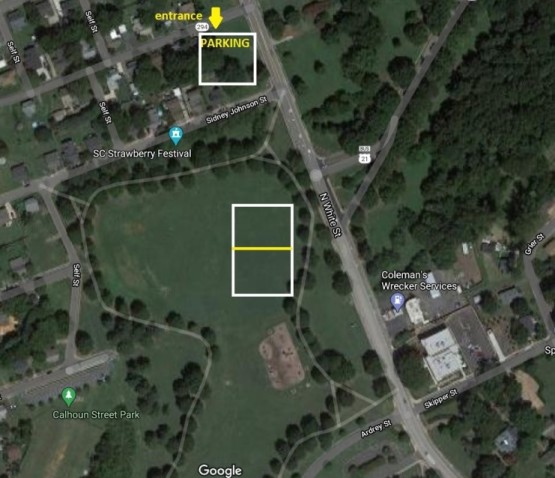
Image resized to 500 x 431
Original size: 555 x 478


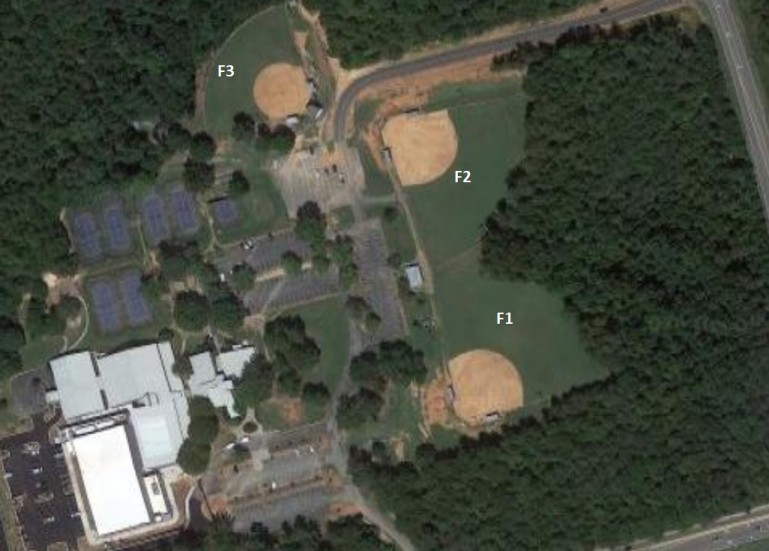
Image resized to 500 x 358
Original size: 769 x 551



Image resized to 500 x 393
Original size: 649 x 510




















































Your current header logo
Graphics from your Downloads page
Ameri Air.png
Springfield Elementary
Image resized to 500 x 428
Original size: 795 x 680
Doby Bridge Park Layout
Image resized to 500 x 347
Original size: 777 x 539
Superchix
Doby Bridge Elementary layout
Image resized to 500 x 361
Original size: 689 x 498
cropped-Coxon-Newsize.png
YMCA_Entrance.png
Image resized to 500 x 273
Original size: 900 x 491
comporium-logo-sm.png
Walter Elisha Practice layout
Image resized to 500 x 431
Original size: 555 x 478
classph.jpg
Indian Land Orthodontics
Springs-Close/ Fort Mill Complex Layout
Image resized to 500 x 358
Original size: 769 x 551
caru.jpg
car a.png
Comporium Athletic Park layout
Image resized to 500 x 393
Original size: 649 x 510
DASH-LOGO-new.jpg
The Joint Chiropractic Fort Mill
carb.png
Orchard Grove Family Dentistry
Kitchen Wise Logo.png
Fort Mill Elks Lodge #2859
Steele Creek Pediatric Dentistry
Red devils.png
Charlotte Independence Soccer Club
Fast Signs
Carolina Upholstery
7-Eleven.png
Southern Med Pediatrics
Abbott's Frozen Custard
Heredia Electric
Homelight
brusters-logo.png
Morning Star Storage
Presnell's Air and Heat, LLC
Huntington Learning Center
Doby Bridge Self Storage 3.jpg
batchelor.jpg
atrium.png
Family Trust Federal Credit Union
Arrow pointe.png
cust xp.jpg
dsg.png
Strawberry Festival Logo
Publix Supermarket Logo
Crown Cove RV Park
Prescott Family Dentistry Logo
Piedmont Medical Center Logo
Mr. Putty's Fun Park Logo
Smile Doctors Braces Logo
Steele Creek Pediatric Dentistry Logo
Thomas Epps Orthodontics Logo
Toppers Pizza Logo
Wing King Cafe Logo
WHRI FM 100.1 Logo
York Electric Logo
104.1 The Bridge Logo
Michael Riordan Orthodontics
Joye Law Firm Logo
Jersey Mike's Logo
Famous Toastery
Fast Signs Rock Hill
FM Elks Lodge Logo.gif
Founders Federal Credit Union
Harris Teeter Logo
Fort Mill Pediatric Dentistry
Hobo's Logo
Hot Tub Haven Logo
Interstate 107 Logo
State Farm Insurance
HomeLight
A Healthy Smile P.A.
Web address
There are two options for the web address displayed at the top of the printer-friendly schedule -
either the address of your home page on the QuickScores website or your organization's home page.
A drop-down box in the Schedule Header Customization section allows you to select one or the other.
The Schedule Header Customization fields on the Event Options page are used to change the appearance of just that one event and overrides the settings defined on the Setup page.
The Schedule Header Customization fields on the Event Options page are used to change the appearance of just that one event and overrides the settings defined on the Setup page.